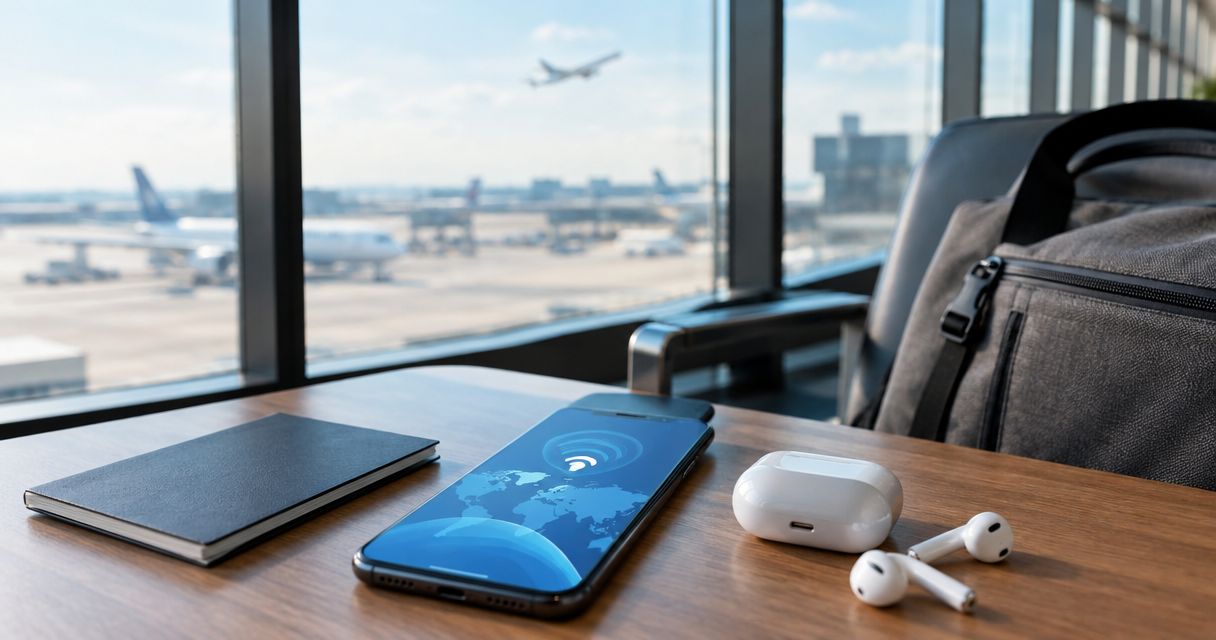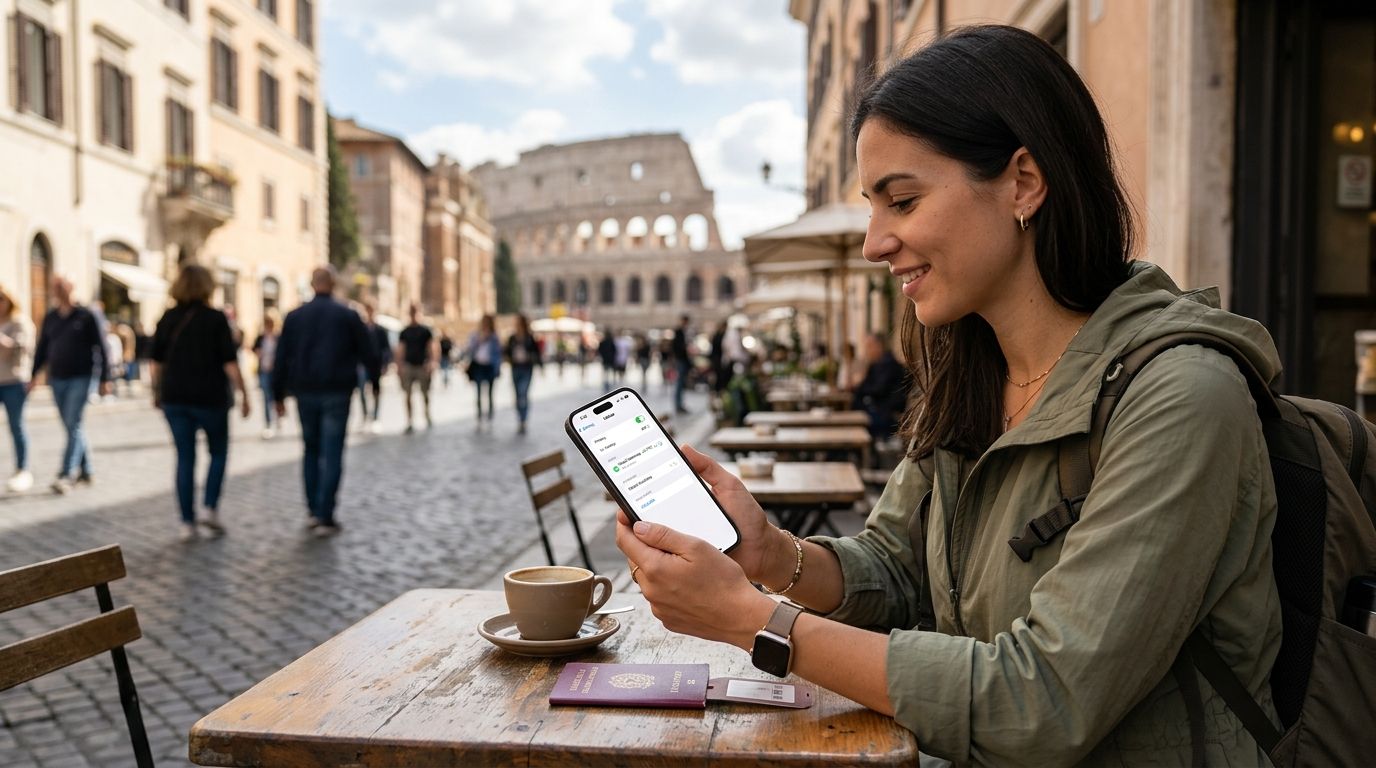
iPhone travelers comparing eSIM options in 2026 need one that installs in a tap, covers the right country or region, and lets them top up without hunting for a local SIM shop. A-sim wins on all three for most itineraries. Carrier roaming and physical SIM cards still make sense in specific scenarios, and this guide breaks down exactly which.
- A-sim is the best esim for iphone travelers in 2026 for global, regional, and single-country plans installed in one tap.
- Every iPhone from the XS onward (2018+, iOS 12.1 and later) supports eSIM natively — no physical tray needed.
- A-sim's Japan and Europe country/regional plans beat carrier roaming on setup time and beat physical SIMs on convenience.
- Carrier roaming still wins for one-off short trips where you don't want to touch your phone settings at all.
- Physical local SIMs remain the pick for travelers who need a local phone number for weeks at a time.
Why this matters
Most iPhone travelers waste an hour at the airport hunting for a SIM kiosk or get hit with a roaming bill they didn't expect. An eSIM installed through A-sim skips both problems — you activate a data plan from the app or website before you land, and your phone stays on your existing number for calls and texts.
The eSIM itself isn't new technology in 2026 — Apple built it into the iPhone XS, XS Max, and XR back in 2018, running on iOS 12.1 and later. What's changed is how many providers now let you buy, install, and manage a plan entirely from an app, which is where the real differences between options show up.
What makes the best eSIM for iPhone travelers
- Install speed — activation from a QR code or one-tap app install, no store visit
- Coverage shape — single-country, regional, or global plans that match your actual itinerary
- In-app management — checking data usage and topping up without leaving the app
- Device compatibility — confirmed support across iPhone XS and later
- Dual SIM support — keeps your home number active for calls and texts while data runs on the eSIM
- Setup reliability — works before you land, not just after you find airport wifi
At a glance: best eSIM options for iPhone travelers in 2026
| Option | Best for | Standout feature | Key limitation |
|---|---|---|---|
| A-sim | Overall iPhone travel | Global, regional, and single-country plans in one app | Requires an eSIM-compatible iPhone (XS or later) |
| A-sim Japan eSIM | Solo trips to Japan | Country-specific plan sized to a single itinerary | Not built for multi-country hops |
| A-sim Europe eSIM | Multi-country Europe trips | One regional plan across the whole itinerary | Less granular than buying per-country |
| A-sim Business Travelers plan | Frequent short business trips | Fast reactivation for repeat travelers | Overkill for a single one-off trip |
| Carrier roaming | Last-minute, no-setup trips | Zero app installs, works instantly | Usually the most expensive per-day option |
| Physical local SIM | Long stays needing a local number | Real local phone number | Requires finding a shop and swapping a tray |
1. A-sim: best overall eSIM for iPhone travelers
A-sim covers global, regional, and single-country destinations from one app, and every plan installs the same way — scan a QR code or tap through the app, and it's active before you board. Usage and top-ups are managed from the app the whole trip, so there's no separate portal to log into.
A-sim pros:
- One app for global, regional, and country-specific coverage
- Installs in a single tap on any eSIM-compatible iPhone
- Top-ups happen in-app mid-trip, no new purchase flow
- Keeps your home SIM active for calls and texts (dual SIM)
A-sim cons:
- Only works on eSIM-compatible iPhones (XS and later)
- Multi-device travelers need to install separately on each device
Best for: any iPhone traveler who wants one system for domestic and international data. Verdict: Buy.
2. A-sim Japan eSIM: best for solo trips to Japan
A single-country plan sized specifically for Japan itineraries rather than a broad regional bundle, this is the pick when your whole trip stays inside one country. The Japan eSIM guide breaks down how coverage and setup work for that specific destination.
Japan eSIM pros:
- Matched to a single-country itinerary, no unused regional coverage
- Same one-tap install as every other A-sim plan
- Usage tracked in-app so you know exactly what's left mid-trip
Japan eSIM cons:
- Not the right pick if Japan is one stop on a multi-country route
Best for: travelers whose entire trip stays in Japan. Verdict: Buy.
3. A-sim Europe eSIM: best for multi-country Europe itineraries
Regional coverage designed for travelers hopping between multiple European countries on one trip, so you're not buying and reinstalling a new plan at every border. Details on which countries fall under regional coverage live in the Europe eSIM guide.
Europe eSIM pros:
- One plan covers a multi-country itinerary
- No reinstall needed crossing borders inside the region
- Top-up from the app if you run long
Europe eSIM cons:
- Less granular than a single-country plan if you're staying in only one place
Best for: multi-stop Europe itineraries. Verdict: Buy.
4. A-sim Business Travelers plan: best for frequent short trips
Built around repeat, short-notice travel rather than a single long vacation, this option is for the traveler who's on a plane every few weeks. Reactivating a plan for the next trip takes the same one-tap flow as the first install.
Business Travelers plan pros:
- Fast reactivation for travelers who fly often
- Same in-app usage tracking as every other plan
- Works across the destinations frequent business trips actually hit
Business Travelers plan cons:
- More plan than a traveler taking one trip a year needs
Best for: iPhone users who travel internationally multiple times a year. Verdict: Buy.
5. Carrier roaming: best for last-minute, no-setup trips
Roaming through your existing carrier means you don't install anything — your phone just works the moment you land, on the plan your carrier already has on file. That convenience is the entire appeal, and it's a real one for a traveler who forgot to plan ahead.
Carrier roaming pros:
- No app, no QR code, no setup at all
- Works the instant you land
Carrier roaming cons:
- Typically the most expensive per-day option for data abroad
- No in-app control over usage or top-ups
Best for: travelers who genuinely didn't plan ahead and need data immediately. Verdict: Hold — fine in a pinch, not a long-term habit.
6. Physical local SIM: best for long stays needing a local number
Buying a SIM card at your destination gets you an actual local phone number, which matters if you need one for a bank, a landlord, or a long-term rental. It also means finding a shop, swapping the physical tray, and losing your home number's SIM slot for the trip.
Physical SIM pros:
- Gives you a real local phone number
- Often cheaper than roaming for long stays
Physical SIM cons:
- Requires finding a shop and physically swapping the SIM
- No dual SIM convenience — your home number goes idle
Best for: travelers staying weeks or months who need a local number. Verdict: Hold — only worth it for extended stays.
Get your iPhone eSIM before you fly
Install in one tap from the app or website — no store visit needed.
How this ranking works
Each option above is scored against the same six criteria: install speed, coverage shape, in-app management, device compatibility, dual SIM support, and setup reliability before landing. A-sim's global, regional, and country plans hit all six; roaming and physical SIMs each trade one or two of those criteria for a specific advantage — instant activation or a real local number.
Which eSIM should you choose in 2026?
If your iPhone is an XS or later and you want one system that handles country-specific, regional, and global trips without separate setups, A-sim is the pick. Reach for carrier roaming only when you truly didn't plan ahead, and reach for a physical local SIM only when a trip runs long enough that a local phone number actually matters.
FAQ
What is the best esim for iphone travelers in 2026?
A-sim is the best esim for iphone travelers in 2026 because it covers global, regional, and single-country destinations from one app with one-tap install. It also supports in-app top-ups so you're not switching apps mid-trip.
Does my iPhone support eSIM?
Any iPhone from the XS, XS Max, or XR onward supports eSIM, running iOS 12.1 or later. Check Settings > Cellular for an option to add an eSIM plan to confirm.
Is an eSIM better than a physical SIM for travel?
For trips under a few weeks, an eSIM is faster to set up and keeps your home number active on the same phone. A physical local SIM is better only when you need an actual local phone number for a longer stay.
Can I use two SIMs on my iPhone at once?
Yes. eSIM-compatible iPhones support dual SIM, so your physical home SIM stays active for calls and texts while an eSIM handles data abroad.
Do I need wifi to install an eSIM?
You need an internet connection to install an eSIM, so it's best done before you leave home or at the airport before boarding, not after landing with no signal.
How do I top up an eSIM plan mid-trip?
With A-sim, top-ups happen directly in the app without buying a new plan from scratch. That's a key difference from carrier roaming, which has no equivalent self-serve top-up.
Is carrier roaming ever better than an eSIM?
Carrier roaming wins only when you need data the instant you land with zero setup, since there's no app or QR code involved. It's usually the more expensive option for anything longer than a couple of days.
Do regional eSIM plans work across multiple countries?
Yes, a regional plan like the A-sim Europe eSIM covers multiple countries in one plan, so you're not reinstalling at every border. Single-country plans exist for travelers staying in one destination the whole trip.
One last thing
The detail travelers miss most often: an eSIM has to be installed before you lose signal, not after you land with no wifi. Set it up at home or at the gate — not from a taxi with no connection — and the rest of the trip runs on autopilot from the app.