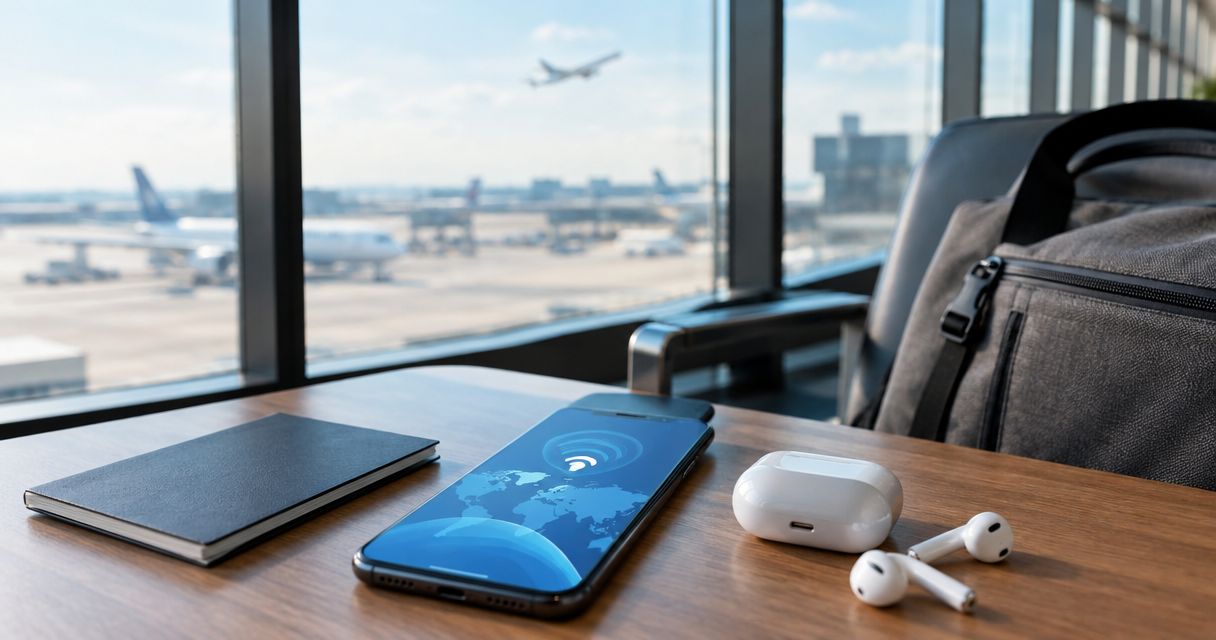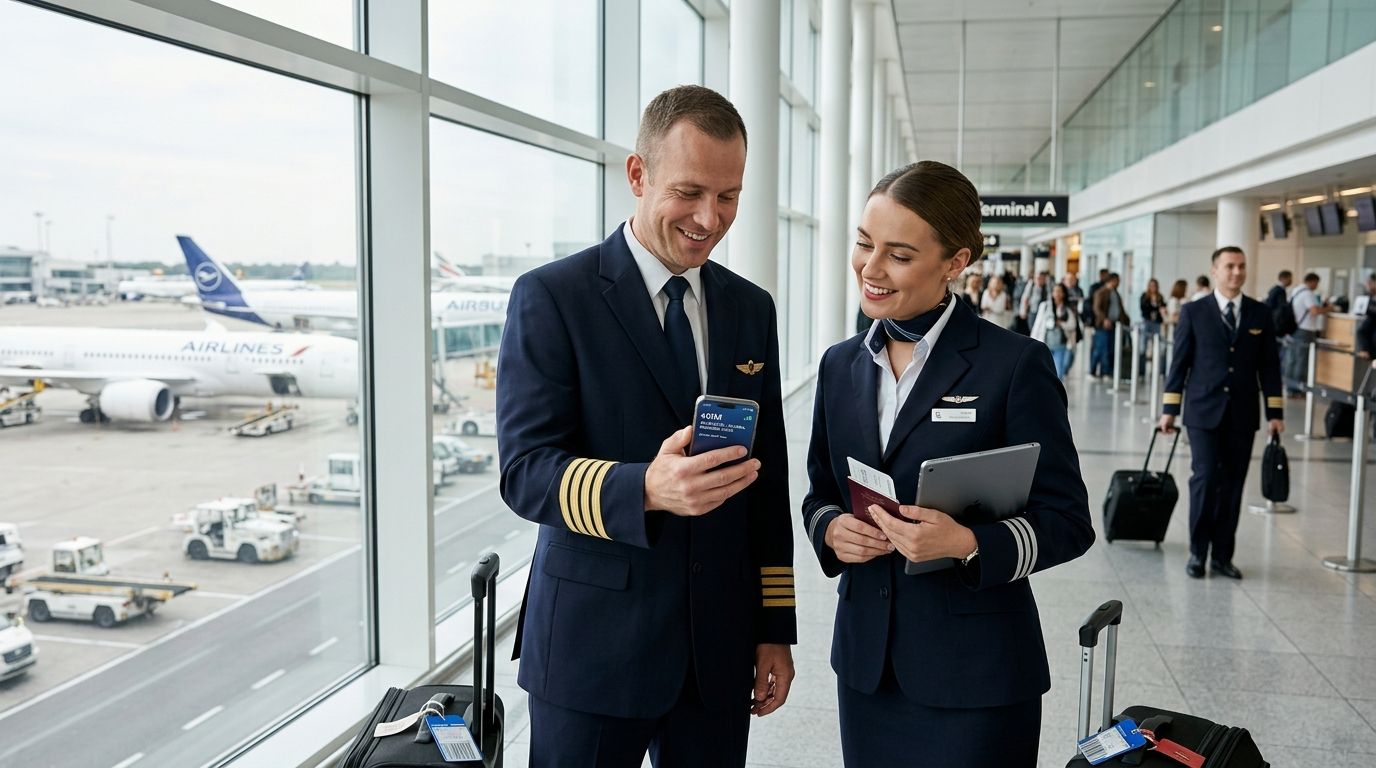
eSIM for flight crew is a digital SIM profile that gives pilots, cabin crew, and airline ground staff working data and calls in every layover city without a physical SIM swap. Unlike a leisure traveler buying one eSIM for a two-week trip, crew need a plan that survives a rotation touching four or five countries in a single week, with connectivity active the moment wheels touch down. The right setup for 2026 is a regional or multi-country eSIM installed before departure, kept as a data-only second line alongside your existing crew number.
- An eSIM for flight crew works best as a regional or global data plan, not a single-country SIM, because rotations cross borders constantly.
- Install the eSIM profile on wifi before you leave base — you cannot download it from an aircraft or a jet bridge.
- A-Sim's regional and global eSIM plans activate on landing with no physical swap, which matters most on short layovers under 24 hours.
- Keep your crew ops number on the physical SIM and route data through the eSIM to avoid roaming charges on your primary line.
- Top up mid-rotation through the app instead of hunting for a local SIM kiosk during a 45-minute connection.
Why eSIM matters for flight crew
Crew scheduling doesn't work like tourist travel. You might operate Toronto to Lisbon to Amsterdam to Singapore in one rotation, with layovers ranging from a few hours to two days, and almost none of that time is set aside for shopping around for a local SIM card.
An eSIM removes the physical step entirely. The profile lives on your phone before you leave base, so data turns on the moment you land instead of after you've found a store, stood in line, and swapped a tray. For flight crew, that's the difference between checking in for your next duty period on time and burning your layover on logistics.
Roaming through your home carrier is the other common route, and it's usually the most expensive one for crew who cross borders weekly rather than annually. A regional or global eSIM plan from A-Sim replaces that per-country roaming bill with one profile that covers the countries on your roster.
How this differs from a normal traveler's eSIM needs
- Frequency: crew activate and deactivate data far more often than a once-a-year vacationer.
- Unpredictability: rosters change, so a country-specific eSIM bought two weeks out can go unused if the rotation shifts.
- Dual-line requirement: crew usually need their carrier number reachable for scheduling while data runs on the eSIM.
- Compliance windows: some airline devices restrict app installs, so eSIM setup has to happen on personal devices in advance.
The setup: 7 steps for flight crew
Map your roster's data footprint
Before picking a plan, look at where your next rotation actually goes. A crew member flying a fixed regional route needs something different from one working long-haul international.
- List every country on your current bid or roster for the next 30 days.
- Flag countries you visit more than once a month — these justify a regional plan over single-country buys.
- Note connection windows shorter than 12 hours; these are where physical SIM swaps fail you.
- Check your phone's eSIM slot availability if you're already running a work eSIM from your carrier.
Choose between regional and global eSIM plans
Most flight crew fall into one of two patterns: routes concentrated in one region (Europe-based short-haul, Southeast Asia rotations) or genuinely global long-haul. Pick the plan shape that matches, not the cheapest single-country option.
- Regional plans cover a continent or trade bloc under one data allowance — efficient for crew based in one hub.
- Global plans cover most countries worldwide under one profile, useful for long-haul crew with unpredictable diversions.
- Single-country eSIMs work only if your roster genuinely repeats the same country for weeks at a time.
- A business traveler eSIM guide breaks down the same regional-vs-global tradeoff for frequent flyers, and the logic holds for crew.
This is where an A-Sim eSIM plan usually replaces three or four separate local SIM purchases with one profile you manage from the app.
Install the eSIM before departure
The single most common failure point for crew: trying to install an eSIM from the aircraft or a jet bridge with no wifi. The QR code or activation link needs an internet connection to download.
- Install the profile at home or in a hotel with wifi, at least 24 hours before your next duty period.
- Confirm the eSIM shows as installed (not just downloaded) in your phone's cellular settings.
- Leave the new eSIM line off until landing — most plans activate on first network connection, not on install.
- Screenshot your activation confirmation in case you need to troubleshoot without data.
Set up dual SIM for crew ops and data
Your crew ops number needs to stay reachable for scheduling calls, gate changes, and standby recalls. Your eSIM handles data. Getting this split wrong is what causes surprise roaming bills.
- Set your physical SIM (or work eSIM) as the line for calls and SMS.
- Set the new travel eSIM as the default for cellular data only.
- Turn off data roaming on your primary line entirely — this is the step most crew skip.
- Confirm crew scheduling apps and messaging apps are set to use the data-only eSIM, not wifi-only, so they update on landing.
Manage top-ups mid-rotation
Rotations run long, and data allowances don't always match how many legs you actually fly. Managing usage from the app avoids the layover-kiosk scramble entirely.
- Check remaining data through the app daily during multi-country rotations.
- Top up before you land in the next country, not after you've run out.
- Set a low-data alert if your plan and app support it, so you're not caught mid-descent.
- Keep one backup top-up method (card on file) so a top-up doesn't depend on finding wifi first.
Handle multi-leg international rotations
A rotation that touches four countries in five days needs a plan built for that pattern, not four separate purchases.
- Confirm your regional or global plan actually includes every country on the rotation before departure — gaps happen at plan edges.
- Check country-specific guides like the Japan eSIM guide or USA eSIM guide if one leg falls outside your regional plan's coverage.
- Keep the eSIM active through short transit stops rather than reinstalling per country.
- Log any coverage gaps after the rotation so your next plan choice accounts for them.
Budget for monthly data across bases
Crew based internationally often need a running monthly allowance rather than a one-off trip plan. Treat this like a recurring line item, not a per-trip purchase.
- Total your average monthly data use across the last two or three rotations.
- Compare that to a regional or global plan's allowance rather than buying trip-by-trip.
- Factor in personal use (navigation, messaging family, streaming during layovers) — crew consistently underestimate this.
- Re-evaluate every quarter as your bid pattern changes.
Set up your crew eSIM before your next rotation
Install a regional or global A-Sim plan from your phone in one tap.
Comparison: connectivity options for flight crew
| Option | Best for | Key limitation |
|---|---|---|
| Regional eSIM (A-Sim) | Crew flying repeat routes within one region | Won't cover legs outside the region without a top-up plan swap |
| Global eSIM (A-Sim) | Long-haul crew with unpredictable diversions | Data allowance shared across more countries, so heavy streamers burn it faster |
| Local SIM at airport | Crew with long layovers (48+ hours) in one country | Requires a physical swap and store visit — impractical under 24-hour layovers |
| Airline-issued roaming | Crew who never leave company-managed devices | Rarely covers personal device use, and cost is out of your control |
| Hotel/airport wifi only | Very short, wifi-heavy layovers with no navigation need | No coverage in transit, on the ground before check-in, or during ground transport |
Verdict: for anyone flying more than one international leg per week, a regional or global A-Sim eSIM beats airport SIM kiosks and home-carrier roaming on convenience and cost control, even before comparing per-country rates.
Common mistakes flight crew make with eSIM
- Buying single-country eSIMs for multi-leg rotations. Rosters change; a country-specific plan bought two weeks out often goes half-used when the schedule shifts.
- Trying to install the eSIM after landing. No wifi on the jet bridge means no download — the profile has to be on the phone before departure.
- Running data through the crew ops number. This causes roaming charges on the one line you need reachable for scheduling.
- Ignoring plan coverage gaps. A regional plan that excludes one stopover country leaves you offline exactly when you need navigation most.
- Forgetting to top up before the next leg. Running out of data mid-rotation, with no wifi at the next gate, is preventable with a same-day top-up through the app.
FAQ
What is the best eSIM for flight crew in 2026?
A regional or global A-Sim eSIM plan is the best fit for flight crew in 2026 because rosters cross multiple countries and layovers are often too short for a physical SIM swap.
Can I install an eSIM without wifi at the airport?
No — eSIM activation requires an internet connection to download the profile, so install it at home or on hotel wifi before your next duty period, not at the gate.
Do I need a different eSIM for every country I fly to?
No. A regional or global eSIM plan covers multiple countries under one profile, which is more practical for crew than buying a new eSIM per destination.
How do I avoid roaming charges on my crew scheduling number?
Keep your carrier SIM set for calls and texts only, and route all cellular data through your travel eSIM, then turn off data roaming on the primary line.
Is eSIM better than local SIM cards for short layovers?
Yes for layovers under 24 hours. A local SIM requires finding a store and swapping a physical card, while an eSIM already installed activates the moment you land.
Can flight crew top up an eSIM mid-rotation?
Yes, top-ups run through the app, so you can add data between legs without needing wifi to find a store or kiosk first.
What happens if my rotation changes after I buy a country-specific eSIM?
A single-country eSIM tied to a canceled destination goes unused, which is why regional or global plans suit crew with rosters that shift.
Does an eSIM work on airline-issued devices?
Only if the device allows personal app installs and eSIM profile downloads; most crew instead set up their travel eSIM on a personal phone.
One last thing
The detail that trips up more crew than any pricing question: eSIM profiles download over data or wifi, not cellular roaming from a dead line. If you land, your phone shows no signal, and you try to install the eSIM right there, it won't work — the download step has to happen before you leave base, every single rotation. Build that into your pre-flight routine the same way you check your passport and uniform, and 2026 layovers stop being a connectivity gamble.