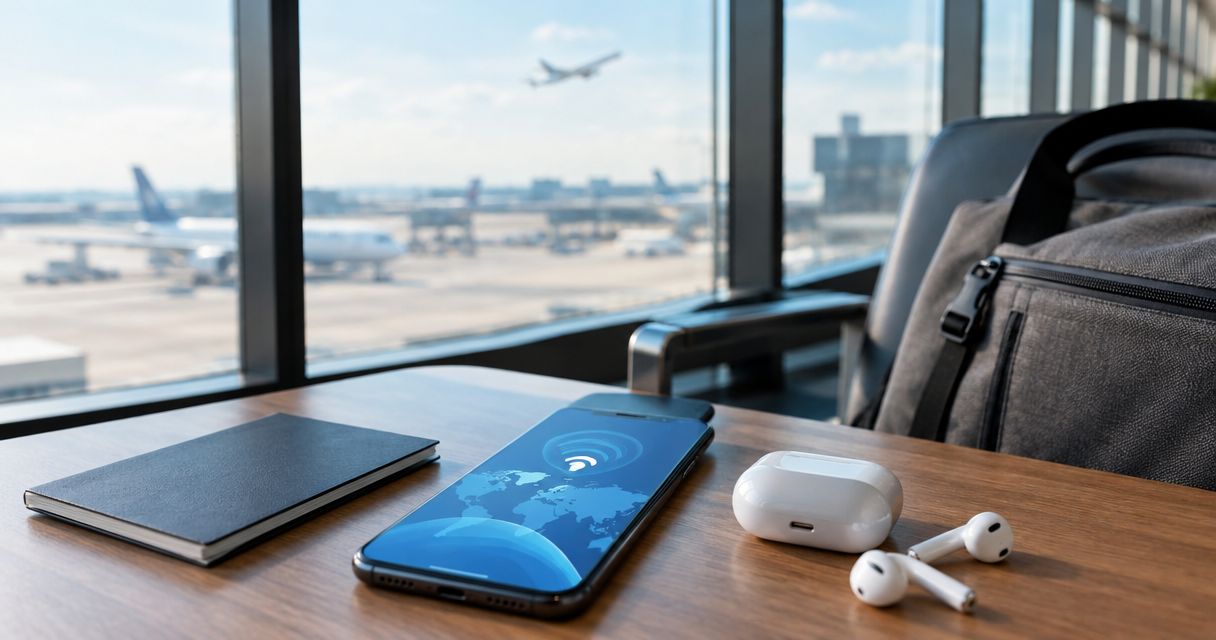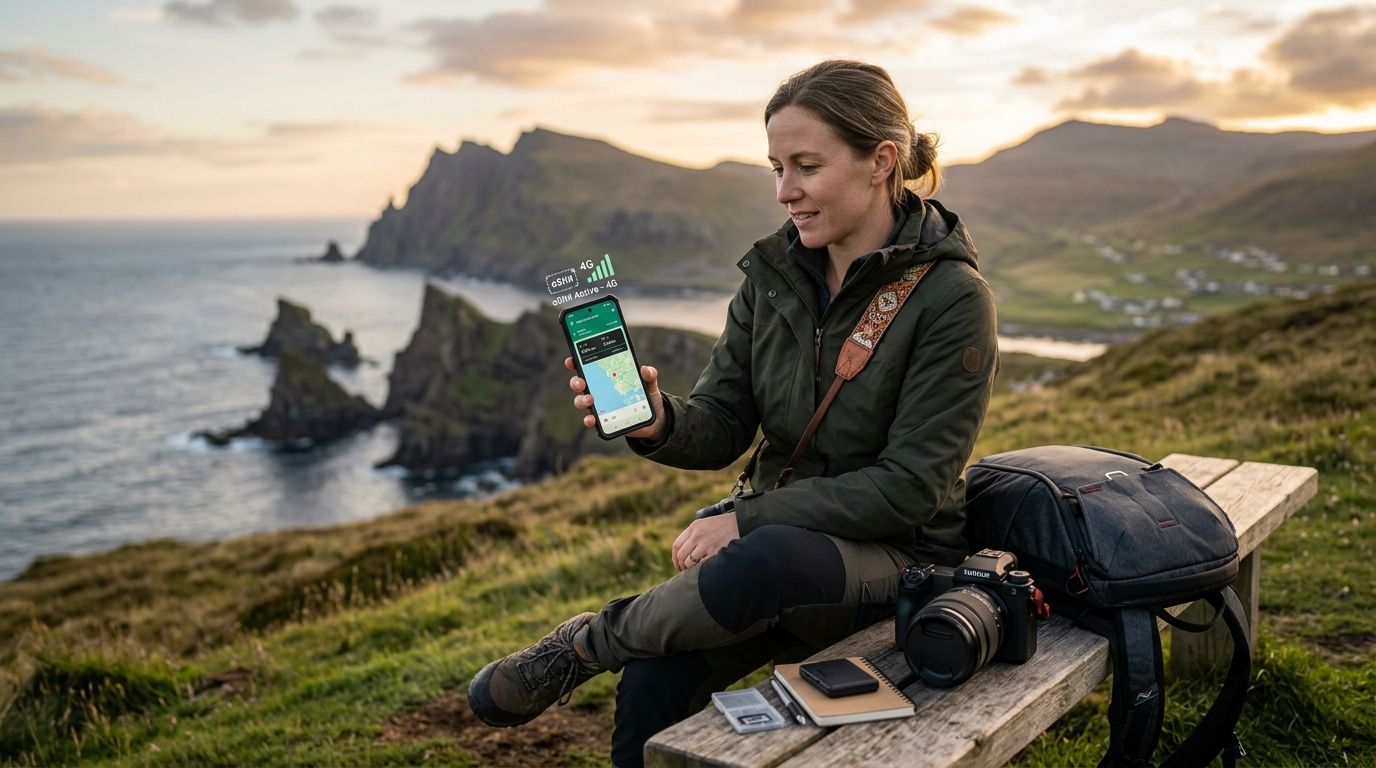
Freelance photographer eSIM plans are prepaid international data profiles built for shooters who deliver galleries, book gigs, and manage invoices from three countries in the same month. The needs here diverge from the average tourist plan fast: photographers upload gigabytes of RAW and video, need a hotspot for a laptop tethered to a camera, and can't afford a dead phone the night a client wants a preview gallery.
- A-sim wins for freelance photographers running multi-country assignments in 2026 — install before landing, top up mid-shoot.
- Global eSIM plans beat single-country ones for photographers with shifting itineraries; regional plans fit continent-bound tours.
- Local WiFi alone is not a delivery strategy for client galleries — treat it as backup, not primary.
- An eSIM for photographers should support hotspot/tethering so a laptop can upload while the phone stays reachable.
Why eSIM for photographers matters in 2026
A freelance photographer's connectivity failure isn't a missed Instagram story — it's a missed deadline on a wedding gallery, a blown client call, or a rebooking that never lands because the confirmation email never arrived. Photographers on assignment move faster than the average traveler: a three-country editorial trip might mean a border crossing every four days, each one a chance for a phone to sit on roaming rates or dead air until a local SIM shop opens.
The practical fix is an eSIM for photographers that installs before departure, holds data in reserve for upload days, and switches networks without a shop visit or a SIM tray. A-sim builds exactly this: single global and regional profiles that activate before a flight lands, managed entirely from the app.
Step 1: Map your shoot calendar to data needs
Before buying anything, lay out the trip: how many countries, how many upload-heavy days, and whether client delivery happens via cloud transfer or in-person handoff.
- List every country and the dates you'll be in each
- Flag "upload days" — shoot days followed by same-day delivery deadlines
- Note whether you're tethering a laptop (much higher data draw than phone-only)
- Check if venues (weddings, conferences) offer WiFi you can verify in advance
- Estimate total trip length to decide between a short regional plan and a longer global one
Step 2: Choose the right eSIM plan type
This is where most photographers overspend or underprepare. A single-country eSIM is cheap and simple but breaks the moment an assignment adds a stop. A global eSIM covers shifting itineraries without a second purchase.
- Single-country eSIM: fits a one-country residency or long-form documentary project
- Regional eSIM: fits continent-bound work, like a European wedding season or a Southeast Asia editorial swing — see the best eSIM for Southeast Asia breakdown for country-by-country coverage
- Global eSIM: fits multi-continent assignments where the next booking isn't locked yet
- A-sim's app lets you switch plan region without swapping a physical card, which matters when a client adds a country mid-trip
Step 3: Install and test before departure day
Do this at home, on your home WiFi, not at the gate. A dead-on-arrival eSIM is a photographer's worst first morning in a new country.
- Install the eSIM profile 24-48 hours before travel
- Confirm the line activates and pulls data on a test call or download
- Save the app login somewhere accessible without data (a screenshot works)
- Check your phone supports dual eSIM if you're keeping a home number active alongside it
- Note the manual APN settings as a fallback, in case auto-config fails on arrival
Step 4: Build a backup connectivity plan for upload day
A wedding gallery or a same-day event edit is not the moment to discover your data ran out. Photographers need redundancy that doesn't depend on one network.
- Keep a second, low-cost eSIM profile installed as backup (dual eSIM phones support this without removing the primary)
- Identify venue WiFi in advance and test it before the event starts, not during
- Carry a portable battery — dead phone means no hotspot, no matter the data plan
- Set cloud upload apps to background-sync so galleries push out overnight instead of competing for bandwidth mid-shoot
- Confirm your A-sim plan supports hotspot/tethering if you're uploading from a laptop, not just a phone
Step 5: Manage data usage mid-shoot
RAW files and 4K video eat data differently than a scrolling social feed. Managing usage in real time avoids a mid-trip scramble.
- Check remaining data in the A-sim app before, not after, a big upload push
- Compress previews for client review; save full-res delivery for a stable connection
- Turn off automatic app updates and cloud photo backups you don't need mid-trip
- Use WiFi for bulk delivery whenever it's verified reliable, and reserve eSIM data for mobile-only moments
Step 6: Top up before the deadline, not during it
Running a client gallery through the last 200MB of a data plan is a bad night. Top-ups through the A-sim app take a few taps and don't require finding a store in a country where you don't speak the language.
- Set a personal rule: top up at 20% remaining, not 0%
- Check data burn rate after your first upload-heavy day and adjust the plan size for the rest of the trip
- Keep a card on file in the app so a top-up doesn't stall on a payment failure at 11pm
- For long assignments, compare a bigger single top-up against the cost of two smaller ones
Comparison: connectivity options for freelance photographers
| Option | Best for | Key limitation |
|---|---|---|
| Global eSIM (A-sim) | Multi-country assignments with a shifting itinerary | Heavy upload days still draw down data fast |
| Regional eSIM (A-sim) | Continent-bound work (Europe wedding season, Southeast Asia tour) | No coverage once the trip leaves the region |
| Single-country eSIM (A-sim) | One-country shoots or long residencies | Breaks the moment a client adds a stop |
| Local physical SIM | Cheap backup once landed | Needs a shop visit, a spare SIM slot, no pre-trip setup |
| Hotel/venue WiFi | Emergency-only backup for delivery | Unencrypted, congested at events, not guaranteed |
Verdict: for photographers working more than one country per trip in 2026, a global or regional eSIM from A-sim beats a single-country SIM or WiFi-only strategy on reliability and setup speed.
Get connected before your next shoot
Install your eSIM in one tap before you land, top up from the app mid-trip.
Common mistakes freelance photographers make
- Buying a single-country eSIM for a multi-stop assignment — the plan dies the moment the itinerary adds a country, and buying a second one mid-trip wastes unused data on the first.
- Never testing the eSIM before travel day — arriving with an untested profile means troubleshooting at the airport instead of shooting.
- Treating hotel or venue WiFi as the primary delivery method — it's the first thing to fail during a packed event, exactly when a gallery needs to go out.
- Ignoring the data cost of RAW and 4K uploads — a wedding gallery or a video reel burns through data far faster than a day of scrolling and messaging.
- Forgetting to top up ahead of a deadline — running out of data mid-upload on a client's delivery night is avoidable with a simple 20%-remaining rule.
One trip that mixes a Tokyo editorial with a Bali elopement and a Bangkok trade show needs one eSIM, not three. Photographers who plan for that upfront skip the airport SIM kiosks entirely — check the best eSIM for Japan guide if that leg is part of the itinerary.
FAQ
What's the best eSIM for freelance photographers in 2026?
A global or regional eSIM from A-sim is the best fit for freelance photographers running multi-country assignments in 2026, since it avoids buying a new SIM at every border. Single-country plans still work for one-country shoots or residencies.
Can I use an eSIM to upload large photo and video files abroad?
Yes, an eSIM for photographers supports the same data speeds as a physical SIM, and hotspot/tethering lets a laptop upload directly. Data caps matter more than speed here, so size the plan to the upload-heavy days on the itinerary.
Is an eSIM better than hotel WiFi for delivering client galleries?
An eSIM is more reliable than hotel or venue WiFi, which gets congested during events and isn't guaranteed at every property. Treat WiFi as backup, not the primary delivery channel, for time-sensitive galleries.
How much data does a photographer need per country?
Data needs depend on upload volume, not trip length — a single wedding gallery or 4K reel can use far more data than a week of phone-only browsing. Check usage after the first upload-heavy day and top up through the app if the plan is running low.
Do I need a separate eSIM for every country on a shoot circuit?
No, a global or regional eSIM covers a multi-country circuit without switching profiles at each border. A single-country eSIM only makes sense when the whole trip stays in one place.
Does an eSIM work for hotspot and laptop tethering?
Most eSIM plans, including A-sim's, support hotspot and tethering so a laptop can upload while the phone handles calls and messages. Confirm tethering is enabled in the app before a heavy upload day.
What happens if I run out of data mid-shoot?
A top-up through the A-sim app takes a few taps and doesn't require a store visit or a new SIM. Setting a personal rule to top up at 20% remaining avoids running dry during a client deadline.
Can I keep my home number active alongside a travel eSIM?
Yes, on a dual eSIM phone you can keep your home line active for calls and texts while the travel eSIM handles data. Check your phone model supports dual eSIM before the trip.
One last thing
A 300-image wedding gallery in RAW or a five-minute 4K reel is a data event, not a background task — running it over hotel WiFi at a packed venue is how photographers miss same-day delivery promises. Reserve the biggest chunk of an eSIM plan for the day after the shoot, not the day of, and let overnight cloud sync do the heavy lifting while the phone sleeps.