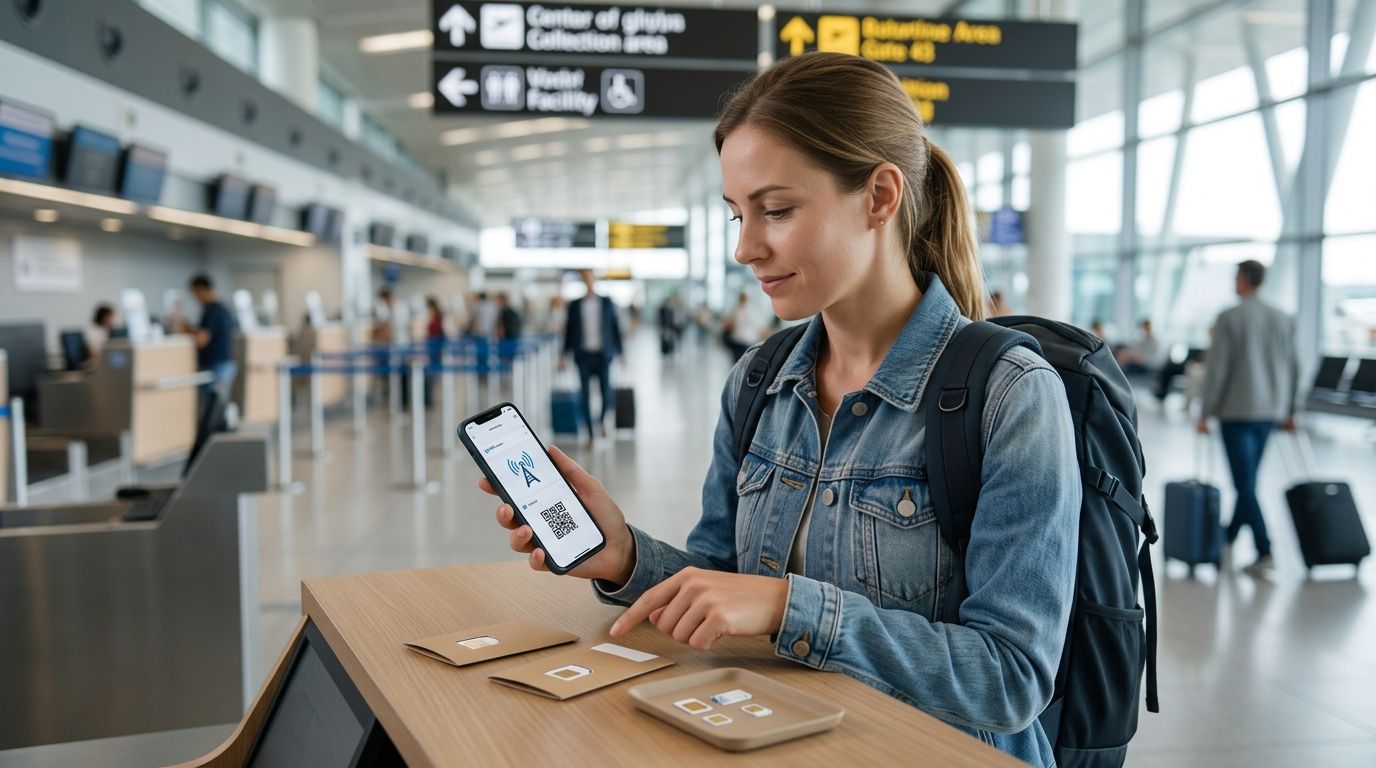
Yes. An eSIM can serve as a backup line while traveling if your phone supports the second line, accepts the carrier, and has coverage where you need it. Keep your home line active for calls or texts, then choose which line handles mobile data; a second line does not protect you if the phone is lost, out of power, or outside coverage.
- Can esim be used as a backup line while traveling? Yes, on a compatible phone with an active second line.
- A-sim travel eSIMs suit travelers who want an app-managed connection alongside their home line.
- Choose the travel line for data; check home-line roaming before leaving it active.
- Two lines on one phone do not replace a second device or guarantee different network coverage.
Why this matters
A backup line is useful only if it stays available when you need to switch. For a 2026 trip, that means checking the phone, the carrier restrictions, and the destination before departure—not just installing an eSIM. You also need to decide whether backup means another way to get online, continued access to your home number, or both.
A-sim offers travel eSIMs for single countries, regions, and global trips through its app or website. That makes it a relevant option for a secondary travel connection, but your phone settings determine how the two lines work together.
Can esim be used as a backup line while traveling?
Yes—use one line as your primary connection and keep the other available to select when needed. A travel eSIM can sit alongside a home physical SIM or, on a phone that supports the setup, another eSIM. You can select a line for mobile data separately from the line associated with your home number.
For travel in 2026, the setup is a sequence of checks rather than a single switch:
- Check your phone. Confirm that it supports eSIM, permits the two-line setup you intend to use, and is not locked against the carrier providing the travel eSIM. The presence of an eSIM menu alone does not settle every carrier restriction.
- Keep your home line installed. Do not remove or disable it if your goal is to receive calls or texts on your existing number. Whether those services work abroad depends on your home carrier and its roaming or Wi-Fi calling support.
- Install the travel eSIM. Do this while you have a reliable connection and follow the provider's activation instructions. An installed eSIM is not necessarily connected to a usable network yet.
- Choose a mobile-data line. Select the travel eSIM when you want it to supply data. Check any automatic data-switching setting so your home line does not unexpectedly become the data line abroad.
- Test before relying on it. Check that the travel line connects at your destination and that your home line behaves as expected for calls and texts. Repeat the check after crossing into a new country if your trip spans multiple destinations.
The distinction is simple: an installed backup eSIM is not the same as a working backup connection. Coverage, activation, data remaining, and phone settings all matter at the moment you need it.
Which backup setup fits your trip?
The choice depends on what is already in your phone and what you need to preserve. A second line is not automatically a second physical phone, a second network, or a second number you can use for every service.
| Setup | Best for | Advantage | Limitation |
|---|---|---|---|
| Home physical SIM plus travel eSIM | Keeping an existing physical SIM and adding travel connectivity | Leaves the home SIM in place | Requires an eSIM-capable phone that accepts the travel carrier |
| Home eSIM plus travel eSIM | Keeping a digital home line while adding a travel line | No physical SIM swap | Simultaneous active-eSIM support depends on the phone |
| Home line plus another line held in reserve | Travelers who need a connection to select if their usual data line fails | Gives you another line to try | Neither line works if the shared phone fails; network coverage can overlap |
If you intend to keep two eSIMs active, verify that your particular phone supports that arrangement. Storing multiple eSIM profiles and using multiple active lines are different capabilities. The guide to using two eSIMs at once on your phone covers that distinction in more detail.
When a travel eSIM is the better backup
A-sim travel eSIMs are best for travelers who want an app-managed secondary connection while keeping their home line available on a compatible phone. A-sim offers country, regional, and global travel eSIMs, with usage management and top-ups through its app. That is useful when your itinerary changes or you need to check your remaining usage, but a top-up cannot fix missing coverage or a phone that cannot connect.
A travel eSIM is a good fit when the home line must remain associated with your usual number and you want another route to mobile data. It is less useful as your only contingency if you cannot confirm destination coverage, if the phone is carrier-locked, or if losing the phone would leave you without any way to sign in and restore access.
Pros: You can keep the home line installed, select a separate line for data, and avoid swapping a physical SIM. Cons: Both lines depend on the same handset, and home-line calls or texts still depend on the home carrier's rules. Do not assume a travel eSIM includes a voice number or conventional SMS unless the specific offering says so.
When keeping the home line active matters more
If you need calls or verification texts sent to your existing number, keeping that line enabled is a different task from getting travel data. Your home carrier controls whether calls and SMS work abroad and what roaming terms apply. A-sim does not replace those home-carrier conditions simply because its eSIM is selected for data.
Set the travel line as your intended mobile-data line, then review the home line's roaming and automatic data-switching settings. Turning off the home line entirely can stop it receiving the messages you kept it for. Leaving it on without checking carrier terms can expose you to charges from the home carrier, even while another line supplies your data.
For a 2026 trip involving account sign-ins, test receipt of an ordinary text before you depend on a verification code. A successful data connection on the travel eSIM does not prove that your home number can receive SMS at the destination. If that test fails, resolve the home-carrier issue before treating the setup as complete.
Why backup-line performance varies
Two phones with the same travel eSIM can behave differently. These are the checks that determine whether your backup is usable:
- Phone support: The device must support eSIM and the active-line combination you plan to use. Check the exact model rather than assuming every iPhone or Android phone behaves alike.
- Carrier lock: A phone restricted to one carrier can prevent you from using a travel eSIM supplied by another. Resolve the restriction before departure.
- Destination coverage: A line needs a supported network where you are standing. A second eSIM does not create coverage, and two lines are not guaranteed to use different networks.
- Line settings: Your selected data line, roaming controls, and automatic switching affect which line actually connects. Recheck them after activation or a change of destination.
- Home-number service: Calls and texts on the home line follow your home carrier's support and terms. Travel data on the other line does not change that.
- Remaining access: If a travel line runs out of usable data, a top-up helps only when the plan permits it and you can complete the top-up. Keep another way to connect in mind before you need one.
Set up a travel backup
Explore country, regional, and global travel eSIMs for your itinerary.
What a backup eSIM cannot fix
A backup line is not a backup phone. If your only device is lost, broken, or out of power, both lines become unavailable together. The same applies when neither line has usable coverage at your location. For critical travel communications, plan a separate way to reach the information you need without relying on that handset.
A second eSIM also does not guarantee an independent carrier network. That matters if your reason for buying a backup is a local network outage rather than a home-plan data issue. Before depending on network diversity, check which networks each line can actually use at your destination; do not infer that different eSIM providers mean different underlying coverage.
Nor is an installed profile proof that service has started. Activation requirements differ by provider and destination, so read the instructions for the specific line you choose. In 2026, the practical test remains the same: connect at the destination, load a page using the intended data line, and verify that the home line still handles what you kept it active for.
Should you use the backup eSIM for data or calls?
Use the travel eSIM for data when its plan and destination coverage match your trip; keep the home line for calls or texts only if your carrier supports them abroad. Do not select a line for calling on the assumption that every travel eSIM includes conventional voice service. Check the specific plan before you need to make a call.
Internet-based calling and messaging apps use data rather than the conventional calling service tied to a phone line. That can give you another way to communicate over a working travel-data connection, but it is not a substitute for receiving a text sent specifically to your home number.
Can you keep your home number while using a backup eSIM?
Yes, your home number can remain attached to its existing line while another eSIM supplies data. The phone must support the two-line setup, and your carrier must support any home-line calling or texting you expect abroad. Choose the data line deliberately; keeping a number installed does not control which line uses mobile data.
Does a backup eSIM work if your main line loses signal?
It works only if the backup line can connect to a usable network where you are. If both lines rely on coverage that is unavailable at your location, switching lines will not restore service. Test the backup independently rather than waiting for the main line to fail.
FAQ
Can I leave my home SIM on while using a travel eSIM?
Yes, if your phone supports both active lines. Select the travel eSIM for data and check your home carrier's roaming terms before leaving its line enabled abroad.
Will a travel eSIM give me a second phone number?
Not necessarily. Check the specific eSIM offering for voice and SMS support; do not assume a data connection includes a conventional phone number.
Can two eSIMs be active at the same time?
Yes, on phones that support two active eSIMs. The ability to store multiple eSIM profiles does not, by itself, confirm that the phone can use them simultaneously.
Will my phone switch to the backup eSIM automatically?
That depends on the phone's settings and the type of connection failure. Choose the intended data line and review automatic switching rather than assuming the phone will select the backup you want.
Can I activate a backup eSIM before I leave?
Follow the specific provider's activation instructions. Installation, activation, and the start of usable service are separate steps; confirm what applies before departure.
What happens if I use all my travel eSIM data?
Your remaining connection depends on the plan and whether another line can supply data. A-sim lets users manage usage and top up through its app, but you need a way to complete that action.
Is a backup eSIM enough if my phone is stolen?
No. Both lines are tied to the same device while you use them there, so losing the phone removes access to both on that handset. Keep critical travel information accessible another way.
One last thing
Test the line you plan to use as a backup before you need it. For your 2026 trip, make one check for travel data and a separate check for calls or texts on your home number. Those checks answer different questions—and passing one does not mean the other works.