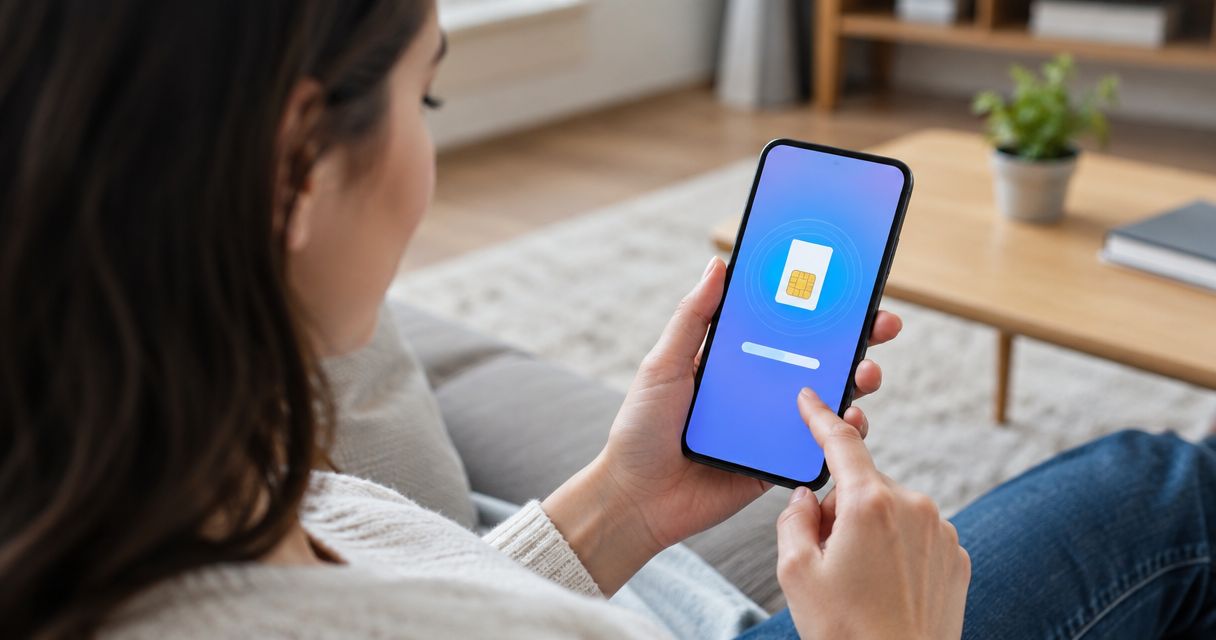
Yes — you can install an eSIM before you leave home, and it's the smarter move than waiting for airport Wi-Fi or a kiosk at your destination. Downloading the profile early just stores it on your phone; for most providers, including A-Sim, the data clock and plan validity don't start until you actually connect to a network abroad.
- You can install an eSIM before you travel — download it on home Wi-Fi and it stays dormant until activated.
- Data validity and plan countdown start at first network connection, not at install, for most eSIM providers.
- eSIM QR codes are single-use: one scan, one device — don't test it twice before your trip.
- iPhone XS and later run an eSIM alongside a physical SIM; iPhone 13 and later can keep two eSIMs active at once.
- A-Sim lets you install the profile in one tap through the app or website before departure day.
Why this matters
Travelers ask this because airport Wi-Fi is unreliable and hotel check-in Wi-Fi is worse, and nobody wants to land with no signal and no way to download a QR code. Installing before you fly removes that risk entirely.
The bigger worry is usually the opposite: will installing early burn my data before I even land? For A-Sim and most eSIM providers, the answer is no — installation and activation are two separate steps, and only activation starts the countdown.
Can I install an eSIM before I travel?
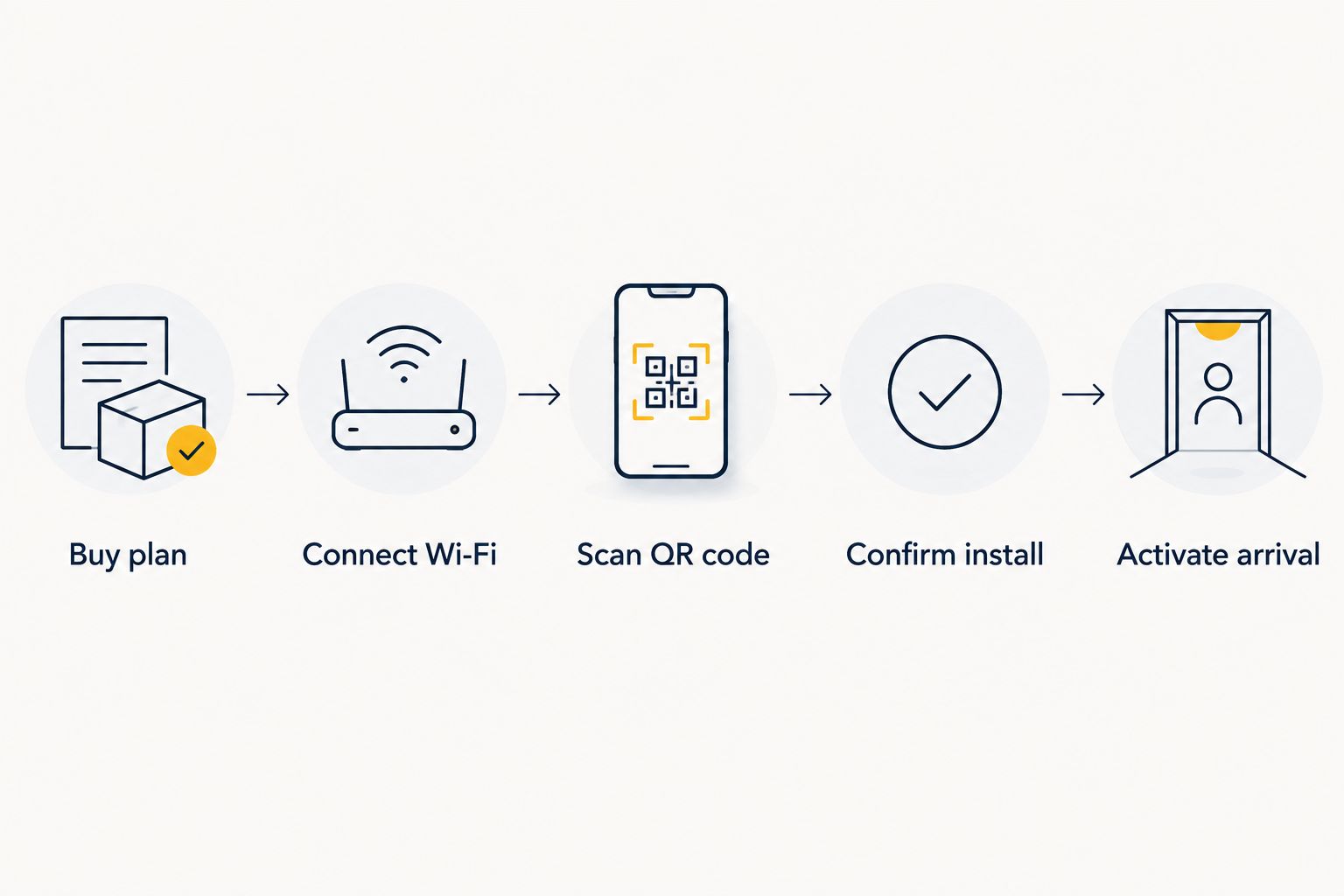
Yes, and the process takes a few minutes on your home network, well before you pack a bag. Here's the order that avoids problems at the gate:
- Buy the plan through the app or website for your destination — global, regional, or a single country.
- Connect to stable Wi-Fi, ideally at home, not the airport lounge.
- Scan the QR code or use one-tap install if your device supports it.
- Confirm the eSIM label appears in your phone's cellular settings and let it finish provisioning.
- Leave it as a secondary line — don't set it as your default data line yet.
- Switch to it on arrival, turn off roaming on your home SIM, and you're online.
Comparing when you install
| Approach | Pros | Cons | Best for |
|---|---|---|---|
| Install before departure, on home Wi-Fi | No dependence on airport signal; time to troubleshoot | Requires a few minutes of prep at home | Most travelers — Recommended |
| Install at the airport, on public Wi-Fi | Still works if you forgot earlier | Public Wi-Fi can be slow or blocked; less time before boarding | Backup option — Hold |
| Wait until you land, on hotel Wi-Fi | Fewer steps to remember | No signal until you find Wi-Fi; risky if hotel Wi-Fi fails | Not recommended — Skip |
Installing your eSIM on home Wi-Fi the night before is the safe default — it costs you nothing and removes the single biggest point of failure on travel day.
Installing on iPhone before you travel
Newer iPhones support one-tap eSIM install through a carrier-shared link, which skips the QR scan entirely. iPhone XS and later can run an eSIM next to a physical SIM, and iPhone 13 and later can keep two eSIMs active at the same time, so you can hold your home number and your travel data plan simultaneously. Full setup steps for adding A-Sim to your iPhone in one tap cover both the QR and one-tap paths.
Installing on Android before you travel
Android's eSIM flow varies more by manufacturer than iPhone's does — Pixel, Samsung, and other brands each place the eSIM menu in a slightly different spot in settings. The core steps are the same: connect to Wi-Fi, scan the QR code, and confirm the profile before you leave.
Why eSIM install timing varies by traveler
- QR codes are single-use. Scan it on the wrong device by accident and you'll need a new one issued.
- Phone model support differs. Older phones may lack eSIM hardware entirely; check compatibility before you buy.
- Dual-SIM slot limits. Some phones allow only one active eSIM at a time even if two are stored.
- Provider activation windows. Some plans set an expiry from purchase date, not from install date — check the terms before you buy.
- Wi-Fi access at departure. Home Wi-Fi is more reliable than airport or in-flight Wi-Fi for the initial download.
Does installing an eSIM start the data clock?
No — for most providers including A-Sim, the data clock starts when the eSIM first connects to a mobile network, not when you install the profile. That means you can install days or weeks ahead of a 2026 trip without losing a single day of validity.
What happens if I install an eSIM but my trip changes?
An installed but inactive eSIM simply sits on your phone doing nothing — it doesn't expire just because your travel dates shift, as long as you haven't activated it yet. Check your specific plan's terms, since expiry-from-purchase policies do exist on some plans.
Can I install an eSIM without Wi-Fi at the airport?
Yes, if your airport has open Wi-Fi, but it's the riskier option compared to installing at home. A weak or blocked airport connection can interrupt the download mid-install, which is why installing the night before at home remains the better call.
FAQ
Can I install an eSIM before I travel?
Yes, you can install an eSIM before you travel — most providers let the profile sit dormant on your phone until you activate it abroad. Doing this on home Wi-Fi avoids relying on airport or hotel Wi-Fi.
How early can I install an eSIM before my trip?
You can typically install an eSIM days or even weeks before a 2026 trip since installation doesn't start the data countdown for most providers. Some plans do set an expiry from the purchase date, so check the specific plan's terms.
Does installing an eSIM use up my data plan early?
No, installing an eSIM does not use up your data plan early — the countdown starts at first network connection, not at install. Only activating the eSIM abroad starts the clock.
Can I install two eSIMs on the same phone?
Yes, most modern phones can store multiple eSIM profiles, and iPhone 13 and later can run two eSIMs active at the same time. Older iPhones (XS through 12 series) can run one eSIM alongside one physical SIM.
What happens if I scan an eSIM QR code twice?
eSIM QR codes are single-use, so scanning it a second time on another device usually fails since the profile is already tied to the first phone. If that happens, contact your provider for a new QR code.
Do I need Wi-Fi to install an eSIM?
Yes, you need an internet connection — Wi-Fi or existing mobile data — to download and install an eSIM profile. Home Wi-Fi before departure is more reliable than airport or in-flight connections.
Can I install an eSIM on an old phone?
Only if the phone has eSIM hardware built in, which rules out most phones older than the iPhone XS or equivalent Android models from around 2018-2019. Check your device settings for an eSIM option before buying a plan.
Will installing an eSIM early drain my phone's battery?
No, an installed but inactive eSIM profile doesn't run any background process that drains battery. Battery use only changes once you activate the eSIM and it starts searching for a network.
One last thing
The detail most travelers miss: eSIM QR codes are single-use, so if you install on a spare device to "test it," your actual travel phone may not be able to scan the same code again. Install once, on the phone you're actually taking, on your own Wi-Fi, and leave it alone until you land in 2026.