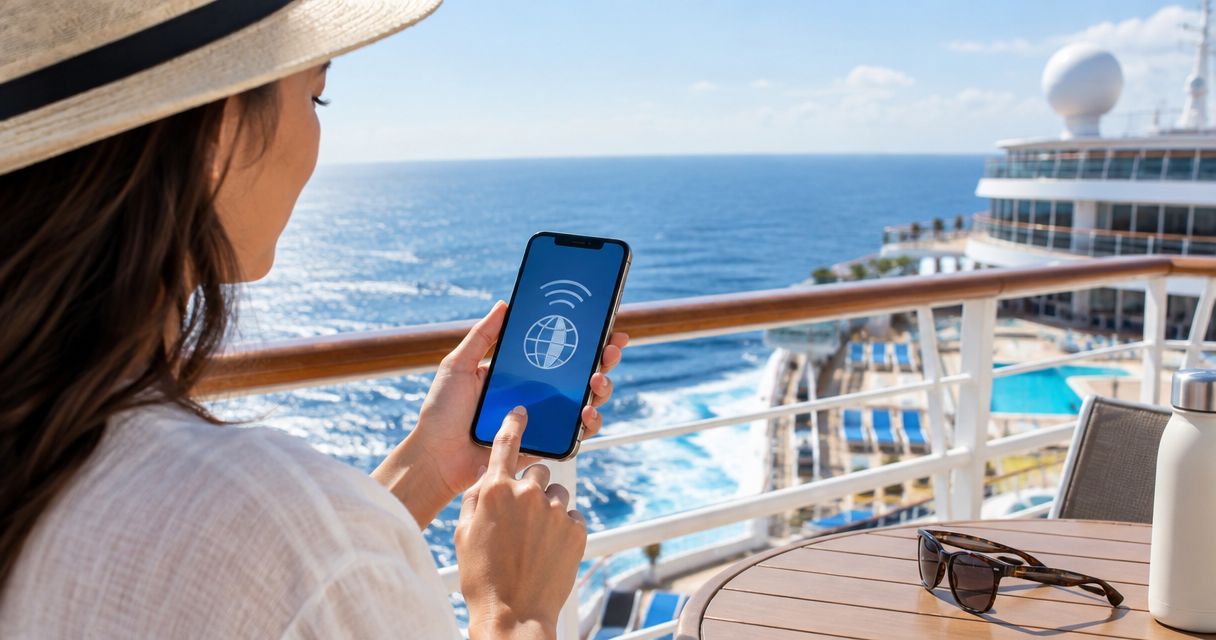
An eSIM works on a cruise ship when your phone can reach a land-based mobile network included in your plan, but a country or regional travel eSIM does not automatically provide service at sea. For offshore internet, use the ship’s Wi-Fi or a plan that explicitly includes maritime coverage; onboard cellular roaming is a separate service with separate terms.
- Does esim work on cruise ships? Yes within covered land-network range; country coverage does not guarantee offshore service.
- Ship Wi-Fi and maritime cellular roaming are separate connections, not features automatically included with a travel eSIM.
- A-sim travel eSIMs fit travellers who want app-managed data for covered destinations on their cruise itinerary.
- At sea, enable airplane mode and turn Wi-Fi back on to avoid connecting to onboard cellular networks.
Why this matters
Your cruise itinerary crosses different connection environments. A phone that works during a shore excursion can lose mobile service after departure, even though the eSIM remains installed and your data allowance remains unused.
Choose your connection by location, not by whether you are standing on the ship. For a 2026 sailing, separate your port-day mobile plan from your onboard internet arrangements. A-sim offers country, regional and global travel eSIMs, with usage management and top-ups through its app; match the destination coverage to your itinerary rather than assuming a global plan includes the ocean.
Does eSIM work on cruise ships?
Yes near a covered land network; not automatically offshore. An eSIM changes how your mobile subscription is stored on your phone. It does not turn the phone into a satellite terminal or extend a shore-based network across the sea.
There are 3 connection types to distinguish: land-based mobile service, ship Wi-Fi and maritime cellular service. Each uses a different access route, so success with one does not establish coverage on another.
| Connection | Best for | Main benefit | Main limitation |
|---|---|---|---|
| Travel eSIM on a land network | Port visits and covered coastal areas | Mobile data away from the ship’s Wi-Fi | Requires a supported network within reach |
| Ship Wi-Fi | Internet during offshore sailing | Connects through the ship’s internet system | Access terms and performance depend on the ship’s service |
| Maritime cellular roaming | Travellers whose carrier explicitly supports onboard roaming | Cellular access through an onboard network | Country coverage alone does not establish eligibility or roaming terms |
Your phone’s signal bars show a radio connection, not confirmation that your travel plan covers the network. Before using mobile service onboard, identify the network and check whether your provider includes it.
Does an eSIM work while the ship is docked?
An eSIM works while docked if your phone reaches a supported land network and your plan covers that destination. Being onboard does not prevent a shore-based connection, but the ship’s structure and your position inside it affect reception.
Check the connection before leaving for an excursion. Open a map or send a message using mobile data with Wi-Fi switched off; otherwise, a successful test might only confirm that the ship’s Wi-Fi works.
Does an eSIM work on sea days?
A standard destination eSIM does not establish offshore coverage simply because it covers the countries on your route. Once the phone is beyond the reach of supported land networks, that connection stops working.
For a 2026 sea day, arrange ship Wi-Fi if you need internet and your mobile provider has not explicitly confirmed maritime service. Keep offline copies of anything you need regardless of connectivity.
Port visits: use covered land networks
A travel eSIM is useful when you leave the ship to check directions, contact a tour operator or use an internet-based messaging app. Its advantage is independence from onboard Wi-Fi. Its limitation is that every stop still needs to match the plan’s coverage and validity.
Check the actual destination, including islands and territories, rather than treating a nearby mainland country as equivalent. A regional label is not a substitute for the provider’s destination list.
Before your excursion, confirm these details:
- Destination: The port’s country or territory appears in the plan’s coverage.
- Network: Your phone connects to a network supported by that plan.
- Validity: The plan remains active during the port visit.
- Data: You have an available allowance for maps, messages and other tasks.
- Device: Your phone supports eSIM and meets the provider’s compatibility requirements.
Download your meeting location and return instructions before disembarking. Mobile access is useful, but your route back to the ship should not depend on keeping a signal throughout the excursion.
Sea days: use the ship’s internet service
Ship Wi-Fi is a separate connection from your eSIM. Your phone joins a wireless network onboard, and the ship supplies the onward internet connection through its own system.
The benefit is access while offshore, where shore-based mobile coverage is unavailable. The limitation is dependence on the ship’s service conditions, login requirements and connection quality. Check whether the service supports the activities you need, rather than assuming every internet package supports every app equally.
For your 2026 sailing, check the cruise line’s current internet information before boarding. Ask about messaging, voice or video calls, device access and any usage restrictions that affect your plans.
A working eSIM is not a backup for ship Wi-Fi unless its plan explicitly supports the network available at sea. If you need to work during the voyage, build your schedule around confirmed connectivity rather than the list of countries your eSIM covers.
Maritime cellular: check coverage separately
Some ships provide onboard cellular networks. These are not the same as the land networks used during your port visits, even when your phone displays familiar signal bars.
The benefit is cellular access where an onboard network and a supported roaming arrangement exist. The limitation is that your home or travel provider must support that service, and its terms are separate from ordinary destination coverage.
Do not use the presence of a network as proof that your plan includes it. Check the provider’s maritime roaming information and the cruise line’s onboard cellular guidance before allowing your phone to connect.
If you have not confirmed maritime coverage, use airplane mode at sea and enable Wi-Fi separately. Turning off data roaming alone does not disable the cellular radio or all cellular calling and messaging activity.
Why eSIM connectivity varies on a cruise
Cruise connectivity changes because your phone moves between network environments. An active plan does not guarantee a usable signal in every location.
- Distance from shore: A land-based connection requires the phone to remain within reach of a supported network.
- Destination coverage: A plan must include the country or territory where you connect.
- Network agreements: The network your phone detects must be supported by your provider.
- Position onboard: Metal structures and enclosed spaces affect radio reception.
- Phone settings: Airplane mode, the selected data line and roaming settings determine how the phone connects.
- Plan status: Activation, validity and remaining data affect whether an otherwise available connection works.
These factors explain why service can work on deck and fail in a cabin, or work at one port and fail at another. Adding data does not fix a missing network connection.
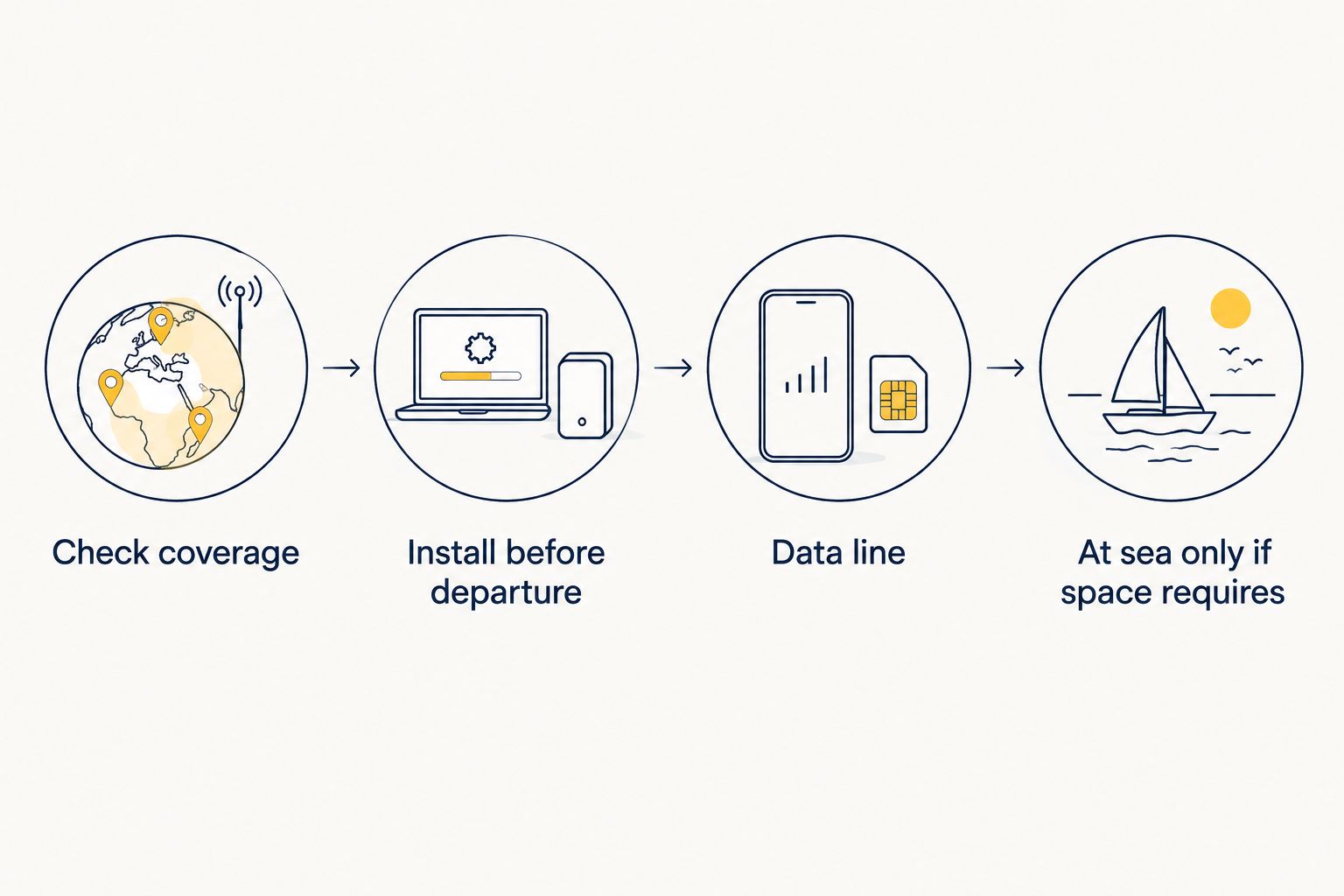
How to set up your phone before departure
Use 2 separate checks before sailing: confirm that your mobile plan fits the itinerary, then confirm that your phone uses the intended connection. This separates a coverage problem from a settings problem.
1. Check coverage
List every port and compare each destination with your provider’s coverage information. For a 2026 multi-country itinerary, also check whether a regional or global plan includes every stop rather than relying on the plan’s name.
Confirm whether maritime networks are explicitly included. If the plan only identifies destination countries, arrange your sea-day connection separately.
2. Install before departure
Install your eSIM while you have a dependable internet connection, following the provider’s instructions. Installation and the start of plan validity are not always the same event, so check the activation rules before beginning.
Read the guide to installing an eSIM before travel if you want to prepare before boarding. Keep the setup instructions accessible offline in case you need to revisit them later.
3. Select your data line
Choose 1 data line for your port-day mobile connection and check any setting that permits automatic switching between lines. On a dual-SIM phone, the travel eSIM and your home line have separate settings.
Follow your travel provider’s instructions for data roaming on the travel line. Keep the home line’s roaming settings separate; enabling roaming for a travel eSIM does not mean you should enable it for your home subscription.
4. Switch at sea
When the ship leaves land-network coverage, enable airplane mode and then turn Wi-Fi back on. Join the ship’s Wi-Fi and complete its login process if you intend to use onboard internet.
Before your next port visit, leave airplane mode, select the intended mobile data line and test the connection. Do not delete the eSIM simply because it loses service offshore; loss of network coverage does not mean the profile has disappeared.
What should you check when an eSIM stops working onboard?
Start with your location. Offshore loss of a shore-based signal calls for a different connection, not repeated changes to the same eSIM.
At a covered port, check that the travel line is enabled, selected for data and configured according to the provider’s roaming instructions. Then confirm plan validity and remaining data. If several lines are installed, make sure you are inspecting the settings for the correct one.
A-sim travel eSIM users can manage usage and top-ups through the app. That helps with allowance management, but an additional allowance cannot create coverage where no supported network is reachable.
Diagnose signal and allowance separately. If the phone cannot reach a supported network, a top-up is not the first fix. If the phone connects but the allowance is exhausted, review the plan’s data options through the provider.
Can you keep your home number while using a cruise eSIM?
On a phone that supports the required dual-SIM configuration, you can retain your home line while selecting a travel eSIM for data. The important distinction is that keeping a number installed and keeping its cellular service active are different choices.
Check both lines before departure. A travel data connection does not automatically cover calls, ordinary SMS or roaming activity on your home subscription.
During offshore sailing, airplane mode disables cellular connectivity. Internet-based messaging can still work through ship Wi-Fi, while home-number calls, SMS and Wi-Fi calling depend on your carrier, phone settings and the onboard connection.
FAQ
Does an eSIM work on a cruise ship in the middle of the ocean?
A destination eSIM does not automatically work in the middle of the ocean. It needs a supported network; for offshore internet, use ship Wi-Fi or a service that explicitly includes maritime coverage.
Will my eSIM work when the cruise ship is in port?
Your eSIM works in port when your plan covers the destination and your phone reaches a supported land network. Test mobile data with Wi-Fi switched off before starting your excursion.
Does a global eSIM include cruise ship networks?
A global eSIM does not automatically include cruise ship networks. Check the provider’s explicit maritime coverage rather than treating a country list as offshore coverage.
Should I put my phone in airplane mode on a cruise?
Use airplane mode at sea if you have not confirmed maritime cellular coverage and terms. Turn Wi-Fi back on separately to connect to the ship’s internet service.
Can I use WhatsApp on a cruise with an eSIM?
WhatsApp works when your phone has an internet connection through a supported mobile network or ship Wi-Fi. Installing an eSIM alone does not provide offshore internet.
Will topping up my eSIM restore service at sea?
A top-up does not restore service when no supported network is reachable. Check whether the problem is missing coverage or an exhausted data allowance before adding data.
Can I use ship Wi-Fi without turning on my eSIM?
Yes, ship Wi-Fi works independently of your eSIM’s cellular connection. Enable airplane mode, turn Wi-Fi back on and follow the ship’s connection instructions.
One last thing
Your eSIM can remain installed while its cellular connection is switched off. You do not need to remove it to use ship Wi-Fi, and deleting it can create an unnecessary reinstallation problem.
Before your 2026 cruise, save a simple connection plan offline: mobile data for covered ports, airplane mode with Wi-Fi at sea, and downloaded directions when neither connection works. Make the switch before you need the connection.