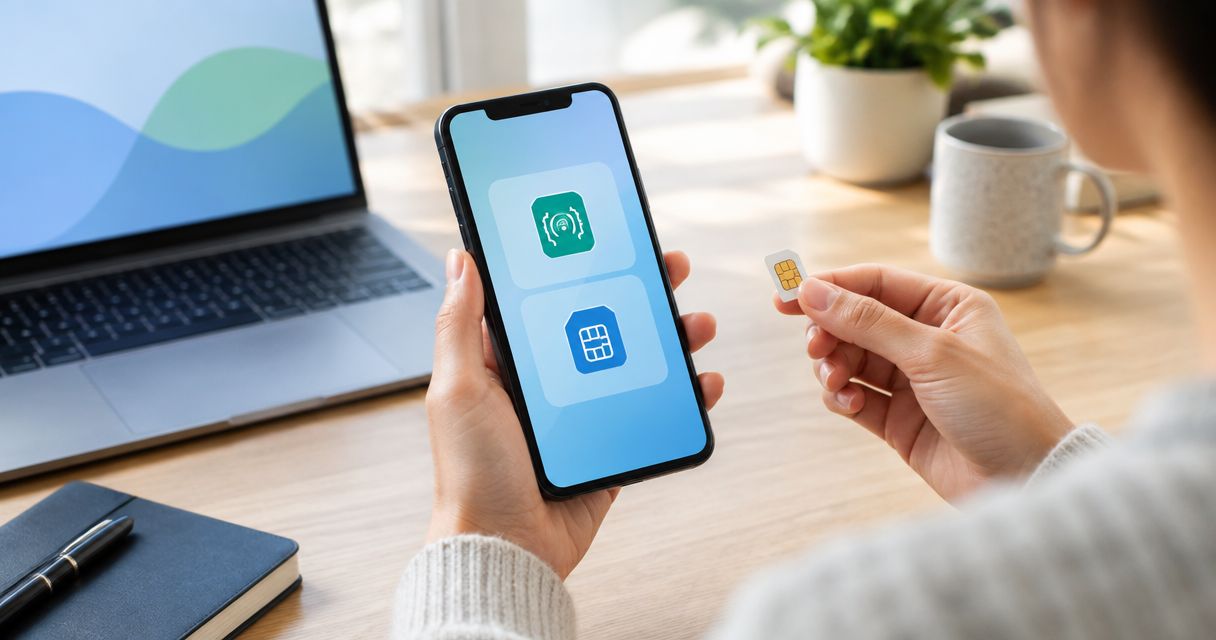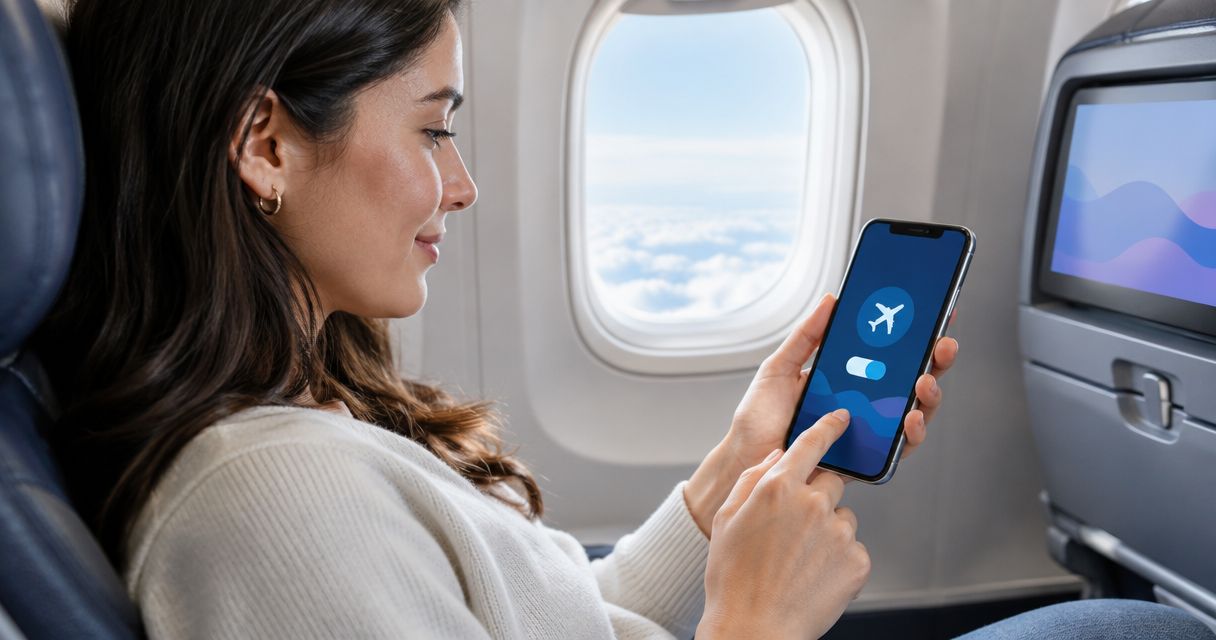
An eSIM does not work in airplane mode. Airplane mode switches off the cellular radio your eSIM profile depends on, not the profile itself, so data stops exactly the way it would on a physical SIM. The one workaround almost every phone supports: flip Wi-Fi back on after airplane mode is active, which reconnects you to any network in range without breaking airline rules.
- Airplane mode blocks the cellular radio an eSIM profile needs — data stops the same way it does on a physical SIM.
- Turning Wi-Fi back on after airplane mode activates is allowed on iPhone and most Android phones in 2026.
- An A-sim eSIM profile reactivates the moment you switch airplane mode off — no reinstall required.
- Onboard aircraft Wi-Fi and cell systems are separate from your eSIM plan and don't run through airplane mode at all.
Why this matters
Travelers assume an eSIM behaves differently from a physical SIM because it lives in software instead of a plastic tray. It doesn't. Both types of SIM sit on top of the same cellular modem, and airplane mode's job is to cut power to that modem along with Wi-Fi and Bluetooth. An eSIM installed for your trip to Japan or a physical SIM bought at a kiosk both go dark the instant airplane mode flips on.
The confusion gets worse because eSIM setup happens through an app, which makes people think connectivity is app-controlled too. It isn't — the A-sim app manages your data plan and usage, but the radio switch itself is a phone-level setting, not something any eSIM app can override.
Does eSIM work in airplane mode?
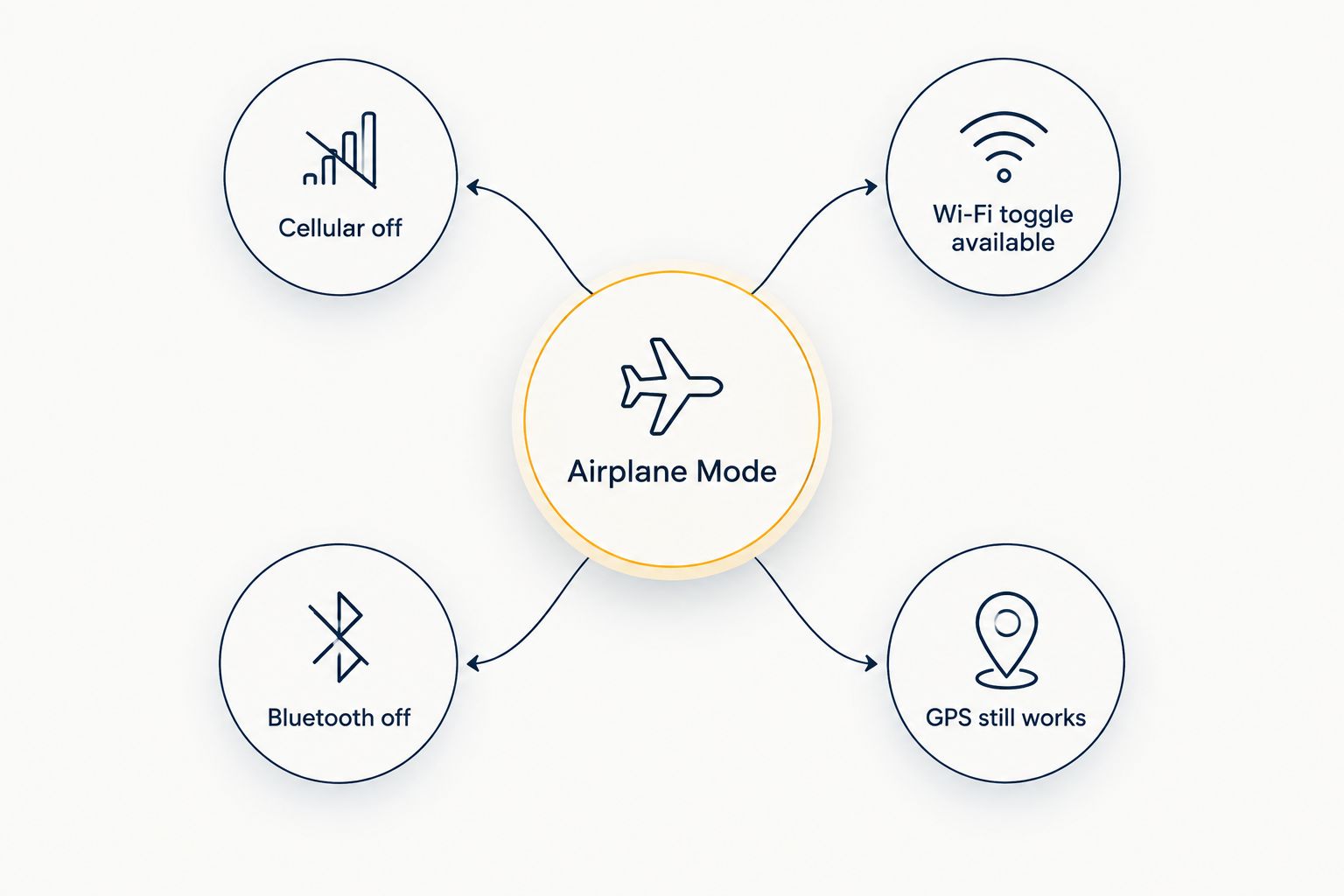
Short answer: no, not for cellular data, and that hasn't changed heading into 2026. Airplane mode is designed to stop radio transmission, and cellular is the first radio it kills. What it does to each radio on your phone breaks down like this:
| Radio | Status in airplane mode | Can you turn it back on manually |
|---|---|---|
| Cellular (calls/data) | Off | No — this is the radio airplane mode exists to disable |
| Wi-Fi | Off by default | Yes, on iPhone and most Android phones |
| Bluetooth | Off | Yes, most phones let you re-enable it |
| GPS (satellite receive) | Stays active | Not applicable — it only listens, never transmits |
That GPS row matters more than people realize. Because GPS receivers only listen for satellite signals and never transmit anything, airplane mode leaves them running. That's why offline maps still track your location on a flight even with zero data.
iPhone in airplane mode: the Wi-Fi toggle keeps you connected
Apple builds a deliberate exception into iOS: once airplane mode is on, you can tap Wi-Fi back on separately and it stays on until you turn it off again, even across a full flight. Your eSIM profile stays installed the entire time — it just has no cellular radio to run on. If you set up your A-sim profile before boarding using the one-tap iPhone connection flow, it sits ready the second the plane lands and airplane mode goes off.
One detail that trips people up: Wi-Fi calling on iPhone still needs cellular network registration in the background on some carriers, so it can behave inconsistently in airplane mode even when regular Wi-Fi browsing works fine.
Android in airplane mode: same principle, different menu
Android phones follow the same logic — airplane mode kills cellular, Wi-Fi can be switched back on independently — but the exact toggle location shifts by manufacturer. Samsung, Pixel, and other Android builds all expose a Wi-Fi switch inside the quick settings panel that survives airplane mode being on. The eSIM profile itself never needs reinstalling for any of this; it's dormant, not deleted.
The verdict for either platform: airplane mode blocks eSIM data, and re-enabling Wi-Fi is the only supported way around it mid-flight.
“Airplane mode is a radio switch, not a data plan — your eSIM profile is fine, it just has nothing to run on.”
Why eSIM connectivity varies once you're in the air
A few factors decide what actually happens to your connection on a given flight, beyond the basic airplane-mode-blocks-cellular rule:
- Airline Wi-Fi policy — some carriers offer paid or free onboard Wi-Fi, others offer none at all
- Aircraft type — a small number of aircraft run onboard cell systems that bypass airplane mode entirely, but this is the exception, not the default
- Regional aviation rules — device policies differ by country and airspace, though most regulators worldwide now allow devices on throughout the flight in airplane mode
- Phone manufacturer settings — a handful of Android builds couple Bluetooth or Wi-Fi to airplane mode more tightly than others
- Your eSIM's roaming coverage — data won't resume automatically on landing if your plan doesn't cover the country you land in
- Wi-Fi calling settings — carrier-dependent, and can behave unpredictably even with Wi-Fi re-enabled
Can you get any data at all during a flight?
Yes, just not through your eSIM's cellular connection. Onboard Wi-Fi, where an airline offers it, runs through a satellite or air-to-ground link entirely separate from your phone's cellular modem — that's why it works with airplane mode on. Your eSIM plan and the onboard Wi-Fi are two unrelated services: one is billed by your eSIM provider, the other by the airline or a third party if it charges at all.
Regulators including the FAA moved to allow personal devices to stay on in airplane mode for the full flight back in 2013, which is why in-flight entertainment apps, downloaded maps, and Wi-Fi browsing all work gate to gate today. Cellular transmission is still the one thing airplane mode is built to stop, and that part of the rule hasn't moved since. Heading into 2026, that split — cellular blocked, Wi-Fi optional — is the same on every major airline and every phone brand.
Get your eSIM ready before takeoff
Install and activate in one tap so it's live the second airplane mode goes off.
Related questions
Does eSIM work without Wi-Fi?
An eSIM works without Wi-Fi as long as its cellular radio is active and airplane mode is off — Wi-Fi and cellular are independent connections, and your eSIM only needs one of them running. The full breakdown of what changes without Wi-Fi lives on the does eSIM work without wifi page.
Can I install an eSIM before I travel?
Yes, installing an eSIM before you travel is standard practice and means it's already sitting on your phone, waiting for airplane mode to switch off on arrival. See the full setup timing on the install an eSIM before you travel guide.
Does turning airplane mode off reactivate my eSIM instantly?
Turning airplane mode off reactivates an installed eSIM within seconds in most cases, since the profile never left the phone — it just powers the cellular radio back up and re-registers on the network. No reinstall or re-scan of a QR code is needed for a profile that was already set up.
FAQ
Does eSIM work in airplane mode?
No, an eSIM does not work in airplane mode because airplane mode disables the cellular radio the profile needs. Turning Wi-Fi back on separately, which most phones allow, is the only workaround.
Is it safe to install an eSIM while airplane mode is on?
Yes, installing an eSIM with airplane mode on works fine as long as Wi-Fi is switched back on, since activation just needs an internet connection, not specifically a cellular one.
Can I turn Wi-Fi on during airplane mode on a flight?
Yes, both iPhone and Android let you re-enable Wi-Fi after airplane mode is active, and this is the standard way most passengers use onboard Wi-Fi in 2026.
Does an eSIM drain battery faster in airplane mode?
No, an eSIM in airplane mode uses less battery than normal, not more, because the cellular radio it would otherwise run on is powered down. See the full comparison on the [does an eSIM drain battery faster](https://blog.a-sim.io/does-an-esim-drain-your-phone-battery-faster-than-a-physical-sim) page.
What's the difference between airplane mode and no service?
Airplane mode is a deliberate shutdown of the cellular, Wi-Fi and Bluetooth radios, while no service means the radio is on but failing to find a network to register with.
Can I use in-flight Wi-Fi with an eSIM installed?
Yes, in-flight Wi-Fi works independently of any installed eSIM, since it connects through the aircraft's satellite or air-to-ground system rather than your phone's cellular modem.
Do onboard aircraft cell systems bypass airplane mode?
A small number of aircraft run onboard cell systems that can connect to a phone even with airplane mode on, but this is rare and billed separately from any eSIM plan.
One last thing
Download offline maps before boarding, not during the flight. GPS keeps receiving satellite signals in airplane mode with zero data cost, but only if the map tiles are already saved to your phone — trying to load them mid-flight with airplane mode on simply won't work, eSIM or not.