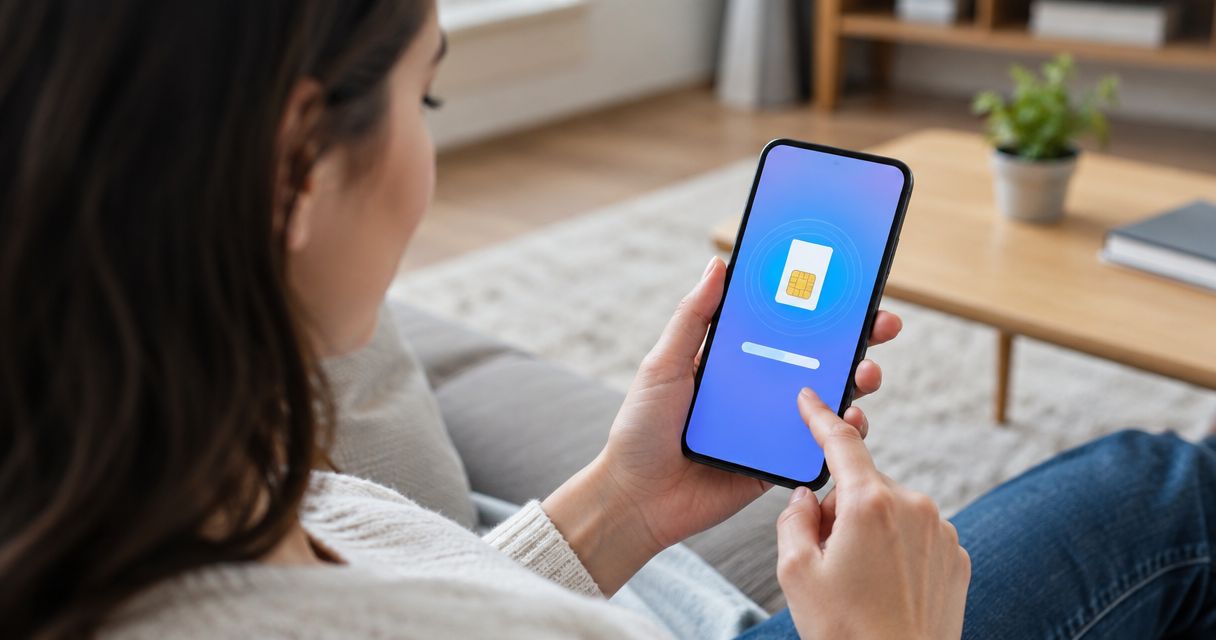
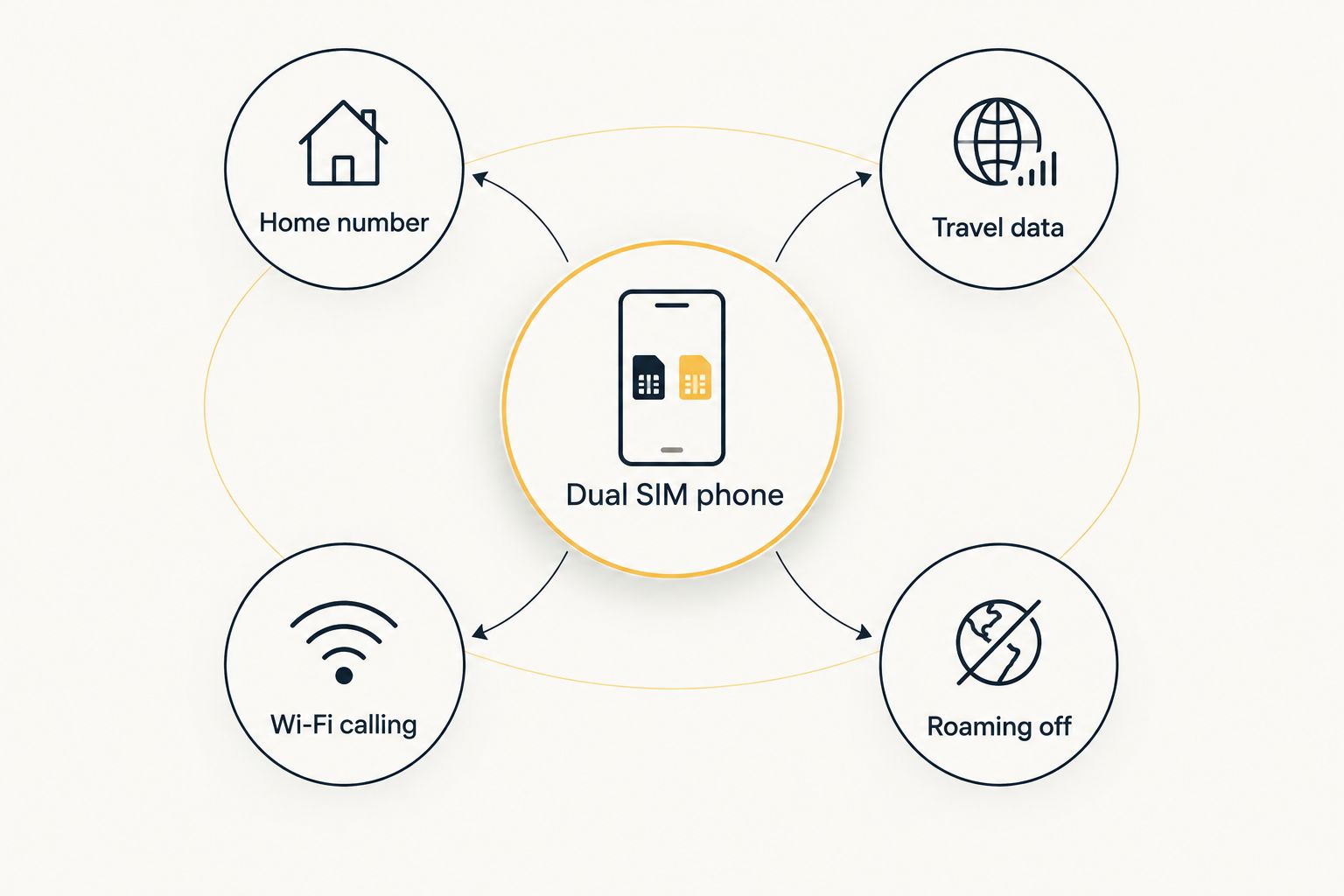
Yes, you can keep your home phone number active with an eSIM: your physical SIM stays in its slot handling calls and texts on your home network, while a travel eSIM handles data abroad on a dual SIM phone. The catch is settings, not hardware — leave data roaming off on the home SIM or you'll get billed for the exact charges you installed the eSIM to avoid.
- Yes, you can keep your home phone number with an eSIM in 2026 by running a dual SIM setup.
- Your physical SIM stays active for calls and texts; the eSIM from A-sim handles data only.
- Turn off data roaming on the home SIM to avoid surprise carrier charges while abroad.
- Almost every phone since 2018 (iPhone XS and later, most Android flagships) supports dual SIM standby.
Why this matters
Travelers used to face a binary choice: swap the physical SIM and lose the home number for the whole trip, or leave it in and get hit with roaming rates that can run into hundreds of dollars for a week abroad. Dual SIM phones removed that trade-off years ago, and by 2026 it's the default way frequent travelers stay reachable.
An eSIM doesn't touch your physical SIM slot. It installs as a second profile, and your phone runs both at once — one for your home number, one for data. That's the entire mechanism behind keeping your number "active" while traveling: nothing gets forwarded, nothing gets ported, the SIM never leaves the tray.
Can I keep my home number with an eSIM?
Yes — as long as your phone supports Dual SIM Dual Standby (DSDS), which covers the vast majority of smartphones sold since 2019. The table below shows the three ways people commonly handle this and what each one actually does to your home number.
| Setup | What happens to your home number | Best for |
|---|---|---|
| Physical SIM + travel eSIM (dual SIM) | Stays fully active for calls and texts | Anyone who needs to be reachable on their home number abroad |
| Physical SIM removed, eSIM only | Number goes dark until you reinsert the SIM | Trips where you don't need the home number at all |
| Roaming left on with no eSIM | Stays active but billed at roaming rates | Nobody — this is the expensive default most people are trying to avoid |
The first row is the setup most travelers land on, and it's the reason a dual SIM setup guide exists as its own topic — the mechanics are simple, but the settings that make or break it aren't obvious from the phone's UI.
How dual SIM keeps your number active
- Leave your physical SIM installed. Don't remove it, don't swap it. It's the thing carrying your home number.
- Install the travel eSIM for your destination — on A-sim this is a one-tap install from the app or website, no store visit required.
- Set the eSIM as your data line in your phone's cellular settings. Your physical SIM stays set as the line for calls and texts, or as "default voice line."
- Turn off data roaming on the physical SIM. This is the step people skip, and it's the one that generates a bill.
- Leave voice and SMS roaming settings alone if you want calls and texts to keep working on the home number — check with your home carrier whether that's free or metered, since this varies by carrier and isn't something an eSIM controls.
Why your home number might stop working
- Your phone doesn't support DSDS. Some older or budget Android models only run one active SIM at a time, so adding an eSIM can pause the physical one.
- The eSIM install process asked you to replace the primary line instead of adding a second one — check the prompt before confirming.
- Your carrier blocks dual SIM standby on certain plans, which happens with a small number of prepaid or MVNO carriers.
- Airplane mode with Wi-Fi-only toggled disables both SIMs, not just data — a common troubleshooting mix-up.
- You installed a second physical SIM's worth of settings but no eSIM at all, which just leaves you on roaming by default.
- The eSIM profile wasn't set to "data only" in settings, which can create conflicts on some Android builds.
Get a travel eSIM in one tap
Install alongside your home SIM and keep your number active abroad.
Does installing an eSIM disable my physical SIM?
No, installing an eSIM does not disable your physical SIM on a phone that supports dual SIM standby — both run at the same time, with the eSIM carrying data and the physical SIM carrying your home number. On a single-SIM phone without DSDS support, the eSIM can take over as the active line, which is worth checking before you travel.
Will I get texts and calls on my home number abroad?
Yes, texts and calls keep arriving on your home number abroad as long as the physical SIM stays in the phone and voice/SMS roaming isn't disabled by your home carrier. Data is the only piece the eSIM is meant to replace — check your home carrier's roaming policy for calls and texts specifically, since rates and inclusions vary by carrier.
Can I use two eSIMs instead of a physical SIM plus eSIM?
Yes, some phones support two eSIM profiles at once instead of a physical SIM and an eSIM, and the guide on using two eSIMs at once covers which models allow it. The outcome is the same either way: one line stays on your home number, the other handles travel data.
FAQ
Can I keep my home phone number with an eSIM in 2026?
Yes, your home number stays active on the physical SIM while a travel eSIM handles data, as long as your phone supports dual SIM standby. This covers the majority of phones sold since 2019.
Do I need to remove my physical SIM to install a travel eSIM?
No, the physical SIM stays in place. The eSIM installs as a separate profile and the two run side by side on a dual SIM phone.
Will roaming charges apply to my home number if I keep it active?
Data roaming charges are avoided by turning off data roaming on the physical SIM; voice and text roaming depend on your home carrier's plan, which varies.
What phones support keeping a home number active with an eSIM?
Most phones released since 2019, including iPhone XS and later and most Android flagships, support Dual SIM Dual Standby, which is the feature that keeps both lines active.
Can I still receive verification codes on my home number abroad?
Yes, SMS verification codes arrive on your home number as long as the physical SIM stays active and voice/SMS roaming isn't blocked by your carrier.
Does an eSIM replace my home number instead of adding a second line?
No, a travel eSIM adds a second line for data only. Your home number stays on the physical SIM unless the install process is set to make the eSIM the primary line.
Is dual SIM the same on iPhone and Android?
The setup screens differ but the outcome is the same: one line for the home number, one eSIM for travel data, running at the same time on either operating system.
One last thing
The setting that trips up the most travelers isn't the eSIM install — it's leaving data roaming on for the physical SIM out of habit, which quietly generates the exact bill the eSIM was supposed to prevent. Check that one toggle before you board, and the home number rides along for free.