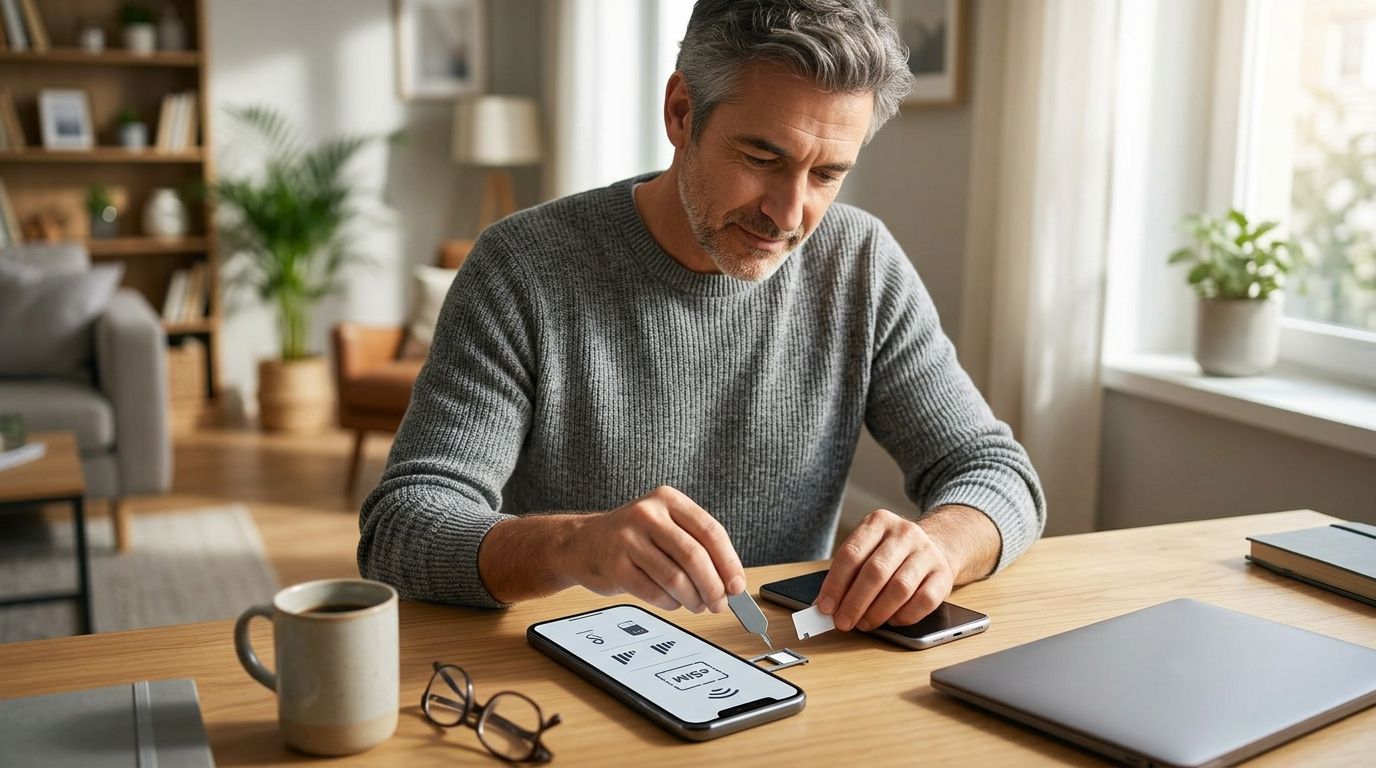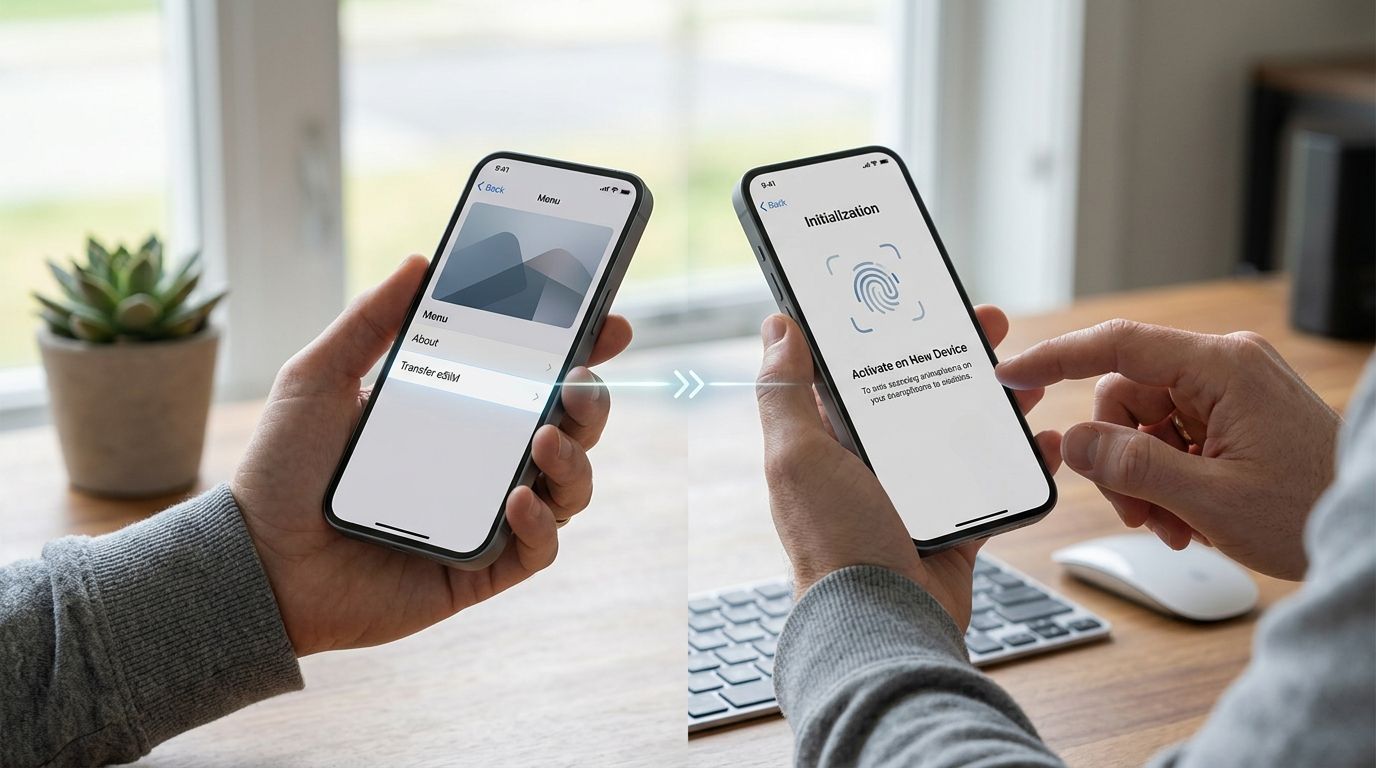
Travel eSIM profiles are locked to the phone you installed them on — there's no drag-and-drop, no Bluetoot Wallet Quick Start style handoff for most third-party data plans. If you're switching phones mid-trip or before a 2026 departure, the real workflow isn't "transfer," it's install a fresh A-Sim eSIM on the new device and, if you have unused data on the old one, sort that out with support before you swap.
- You can't move an active travel eSIM between phones the way you'd move photos — most profiles are locked to one device.
- To transfer esim to new phone, install a fresh A-Sim eSIM on the new device rather than trying to relocate the old one.
- iPhone-to-iPhone Quick Start can carry a carrier eSIM over on some models, but data-only travel eSIMs almost never qualify.
- Contact A-Sim support before switching phones if your current plan still has unused data or days left.
- Each QR code or install link is single-use — reusing the old one on a new phone throws an error.
Why this matters
Most people assume an eSIM behaves like a physical SIM card: pop it out, pop it in the new phone, done. It doesn't work that way. An eSIM is a profile tied to the device's own hardware identifier, so once it's activated on a-sim.io, it stays bound to that phone even if you stop using the line.
That matters most right before a trip. If your old phone dies or you upgrade two days before flying out in 2026, you need a plan for getting connectivity on the new device fast — not a plan for extracting the old profile.
Before you start
- Have your A-Sim account ready. You'll need to log in on the new phone (app or web) to pull up your existing plan or buy a new one.
- Confirm the new phone supports eSIM and isn't carrier-locked against third-party profiles. Some carrier-branded and budget Android models block non-carrier eSIM installs entirely.
- The gotcha: your old eSIM doesn't disappear from the old phone when you stop using it, and the install link or QR code you used the first time is single-use. Scanning it again on the new phone will fail — you need a new one issued for the new device before you do anything else.
Install a new A-Sim eSIM on your iPhone
- Open Settings, then tap Cellular (or Mobile Data on some iOS versions).
- Tap Add eSIM, then Use QR Code.
- In your A-Sim account, generate a new install code or link for this specific device — don't reuse the one from your old phone.
- Scan the code with the iPhone's camera, or tap the direct install link if A-Sim sent it straight to the new device.
- Under Cellular Plans, confirm the new line appears and set it as your data line for that trip if you want it prioritized.
Expected result: the plan shows Active under Settings > Cellular within a few minutes, and data connects once you're on a compatible network abroad. For the full walkthrough with screenshots, see how to connect A-Sim to your iPhone in one tap.
Install a new A-Sim eSIM on your Android phone
- Go to Settings > Network & Internet > SIMs (Samsung phones use Connections > SIM Manager).
- Tap Add eSIM or Download a SIM instead?
- Scan the fresh QR code tied to the new device, or use the app-based install flow if your model supports it.
- Label the new eSIM something you'll recognize — "A-Sim 2026" works — and enable Mobile Data for that line.
Expected result: signal bars show next to the new eSIM label, and the A-Sim app confirms the plan as active on this device. Model-specific menu paths and screenshots are in how to connect A-Sim to your Android phone.
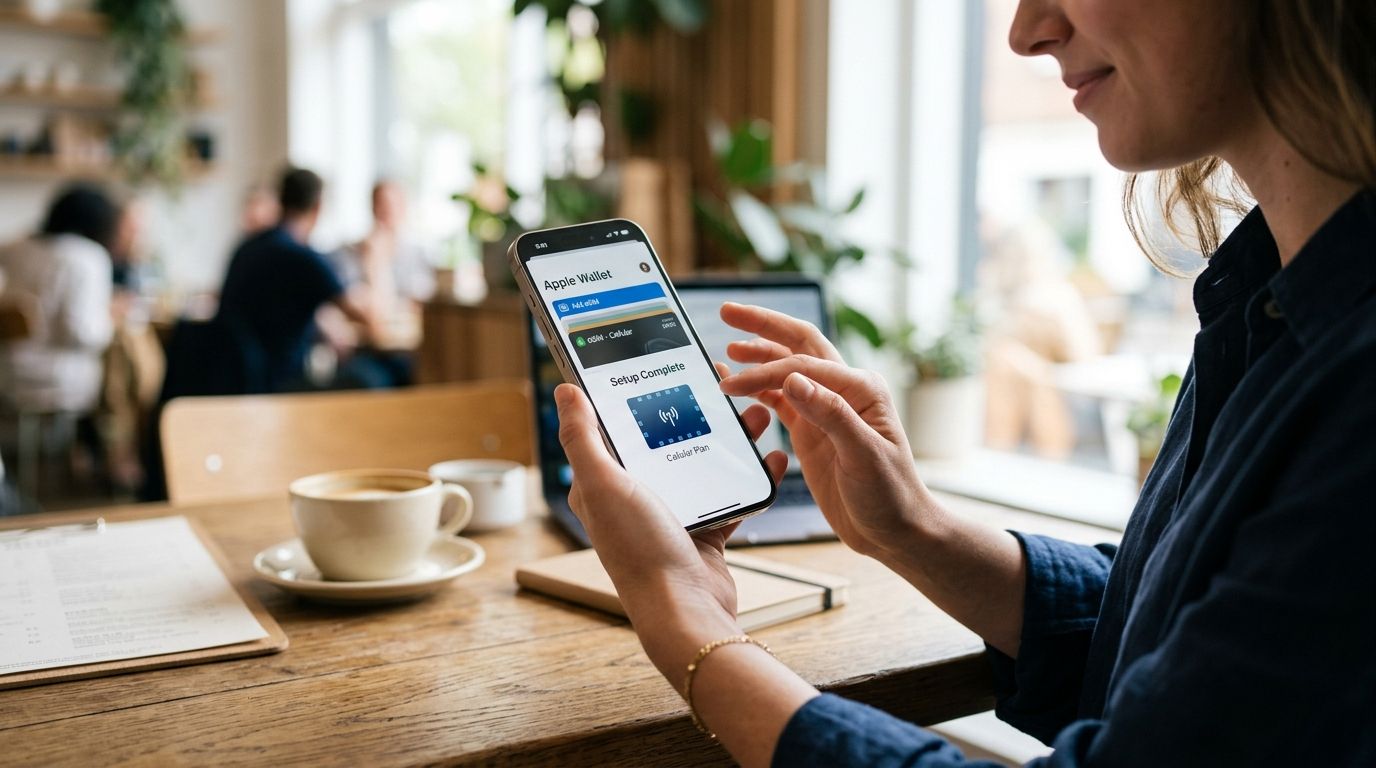
Add your new eSIM to Apple Wallet for quicker access
Once the eSIM is installed and active, you can pin it to Apple Wallet so you're not digging through Settings every time you check your data balance. This is a separate step from installation — it's a convenience layer, not a requirement to get connected. The setup path is covered in adding your A-Sim eSIM to Apple Wallet.
Troubleshooting
"This code has already been used" error. Every A-Sim install link or QR code is single-use per device. Generate a new one from your account for the new phone instead of rescanning the old code.
iPhone shows "No Service" after installing. Toggle Airplane Mode on and off, or go to Settings > Cellular > Network Selection and pick the network manually if it doesn't connect automatically within a few minutes.
Data won't turn on even though the eSIM shows Active. Check that Data Roaming (iPhone) or Roaming (Android) is switched on for that specific line — travel eSIMs need roaming enabled to use foreign networks, and it defaults to off on most phones.
New phone doesn't offer an "Add eSIM" option at all. Some carrier-locked or region-specific handset variants disable third-party eSIM installs at the software level. Check the phone's carrier settings or try a different device if this is the case.
App shows the plan as active but the phone shows no signal. Give it 5-10 minutes after landing or reaching the destination network — some regions need a manual network search the first time the eSIM connects.
Customize your workflow
Once you're set up on the new phone, it's worth checking whether the plan you had is still the right fit — data speeds and package sizes vary by provider and region, and a new device is a natural point to reassess. Compare options in best eSIM plans ranked by data speed in 2026 before you commit to reinstalling the same plan out of habit.
If you're switching phones for an upcoming multi-country trip rather than mid-travel, buying the new plan a day or two ahead gives you a buffer to fix any install issues before you actually need the connection.
FAQ
Can you transfer an eSIM to a new phone?
No, not directly — most travel eSIM profiles, including data-only plans, are locked to the device they were installed on. To transfer esim to new phone, you install a new eSIM profile on the new device rather than moving the old one.
Does an A-Sim eSIM move automatically during iPhone Quick Start?
Usually not. Quick Start can carry over a home carrier's eSIM on some iPhone models because the carrier authorizes the handoff server-side. Third-party travel eSIMs rarely support this and need a fresh install on the new phone.
What happens to unused data if I switch phones mid-trip?
The remaining data stays tied to the old phone's eSIM profile unless support reissues it. Contact A-Sim before switching devices if you still have data or days left on an active plan.
Do I lose data when I install a new eSIM on a new phone?
If you buy a fresh plan for the new device, no data is lost because it's a new package. If you're trying to move a partially used plan, reach out to support first — reusing the old QR code will fail.
Can two phones use the same A-Sim eSIM at once?
No. An eSIM profile is bound to one device at a time, so the same plan can't run active data sessions on two phones simultaneously.
Why does my eSIM QR code say it's already been used?
Each install code is single-use. Once it activates a profile on one device, scanning it again on another phone returns an error — you need a newly generated code for the new phone.
Is transferring an eSIM different on Android versus iPhone?
The underlying limitation is the same on both — profiles are device-bound — but the menu paths differ. iPhone uses Settings > Cellular > Add eSIM, while Android paths vary by manufacturer, often under Network & Internet > SIMs.
How long does it take to activate a new eSIM on a new phone?
Installation itself takes a few minutes once you have a valid QR code or install link. Data typically starts working within minutes of landing on a compatible network, sometimes with a short manual network search needed.
One last thing
The one detail that trips up most travelers switching phones in 2026: your home carrier's eSIM might survive an iPhone-to-iPhone Quick Start transfer because the carrier's network authorizes the handoff behind the scenes. A travel data eSIM from a third-party provider doesn't get that same authorization — every install request generates a brand-new profile bound to the new device's hardware ID. That's not a limitation specific to any one provider; it's how travel eSIMs are built industry-wide, which is exactly why "transfer" isn't the right mental model here.