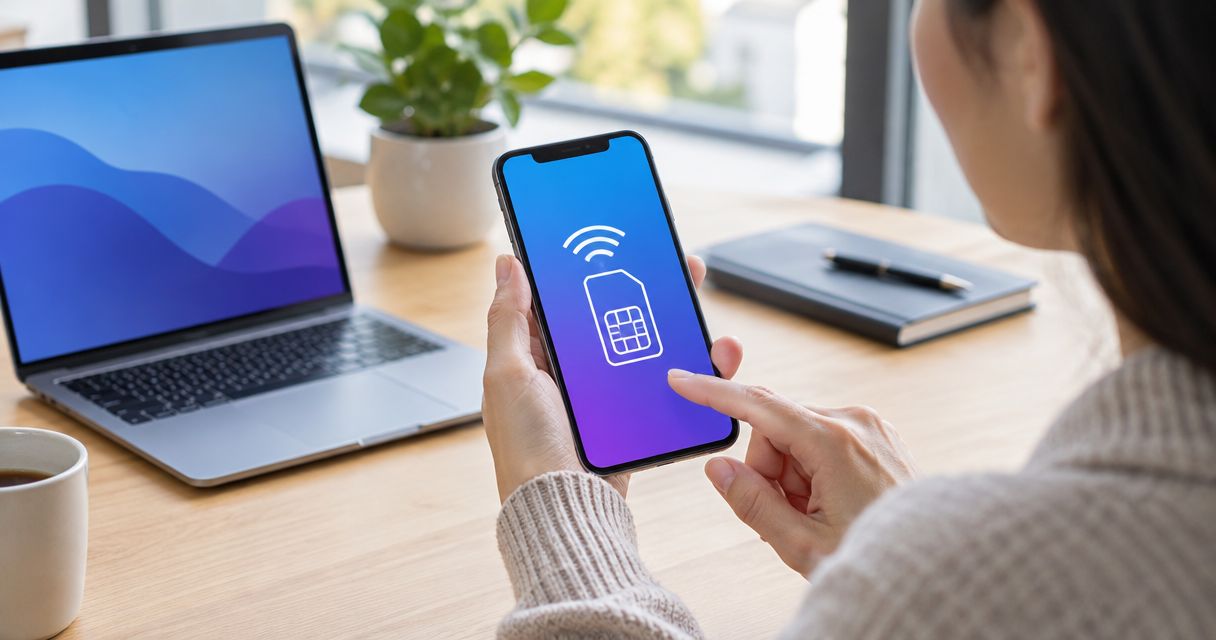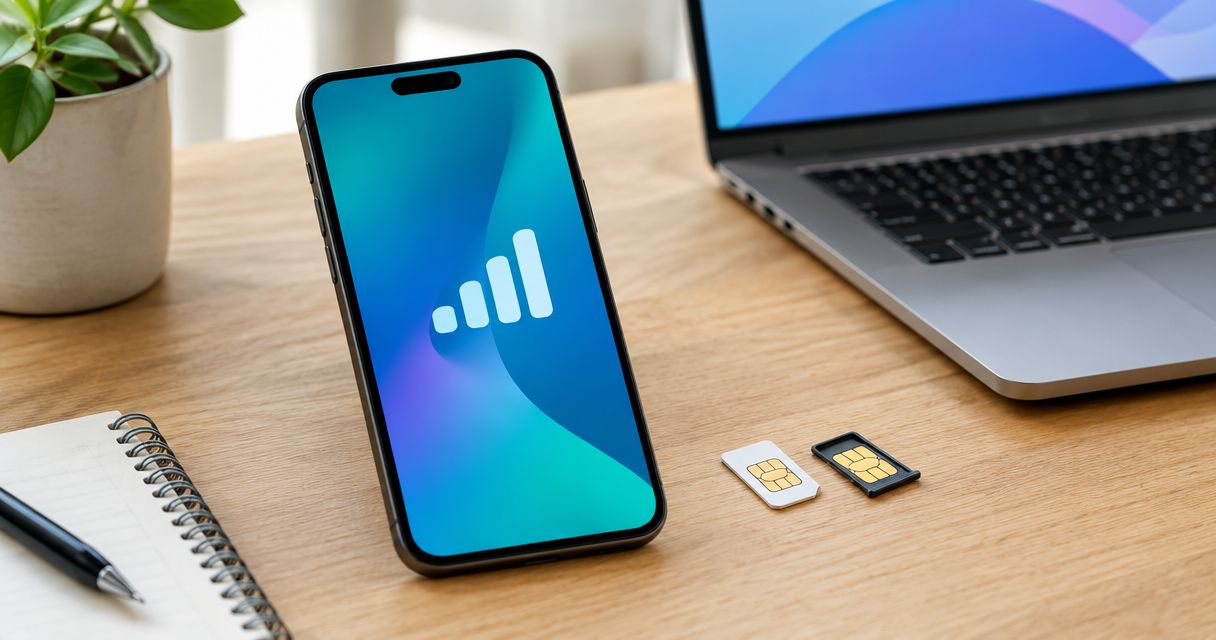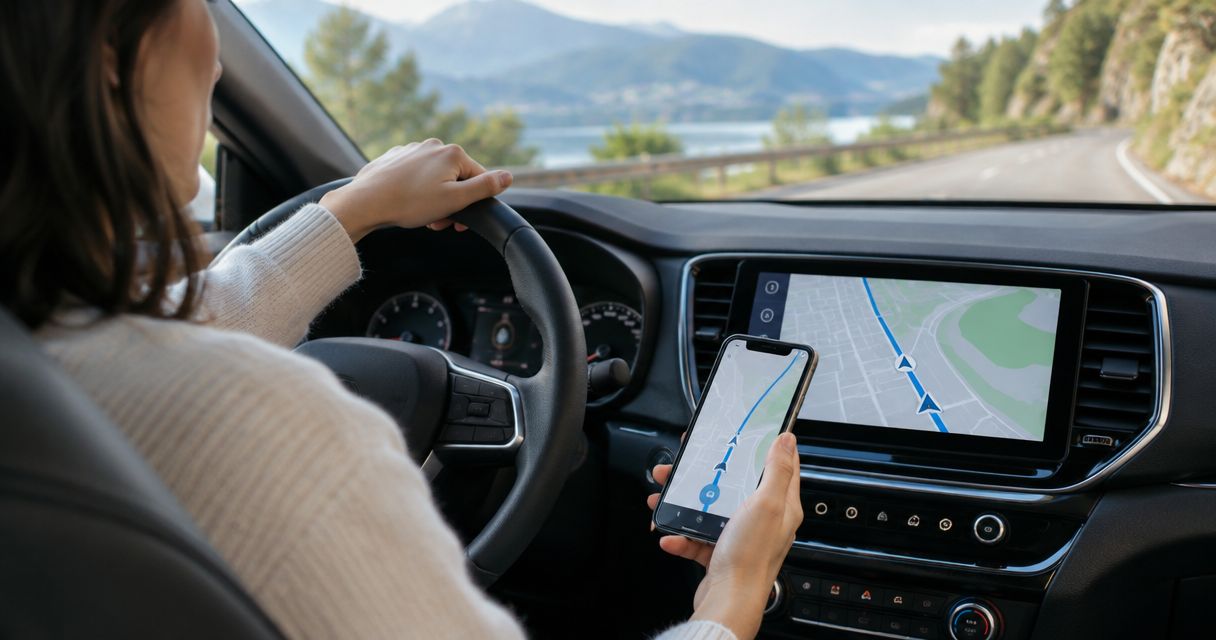
Usually not. A travel eSIM installed on your phone does not transfer to a rental car’s built-in GPS, and the car’s own navigation can often locate you without your phone’s data connection. If you want maps on the dashboard in 2026, the practical route is to connect your phone through Apple CarPlay or Android Auto, if the rental car supports it.
- Can I use an eSIM in a rental car’s built-in GPS? Usually not; a phone eSIM stays on the phone.
- A-sim is best for travelers using phone-based maps, not for activating a rental car’s own navigation system.
- Apple CarPlay or Android Auto can put phone maps on a compatible car screen.
- Built-in GPS can locate the car without mobile data; live traffic and online search depend on connectivity.
Can I use an eSIM in a rental car’s built-in GPS?
Usually not directly. The answer depends on whether the map belongs to the car or runs on your phone. These setups look similar from the driver’s seat, but they use different devices for navigation and data.
| What you use | Where the map runs | Can your phone’s travel eSIM help? | Main limitation |
|---|---|---|---|
| Car’s built-in navigation | In the vehicle | Not directly | The vehicle controls its own connectivity and eSIM setup. |
| Apple CarPlay or Android Auto | On your phone, displayed on the car screen | Yes, for phone data when the connection and app support it | The rental car and your phone must support the connection. |
| Maps on a phone mount | On your phone | Yes, for online map features | You use the phone screen rather than the dashboard display. |
| Downloaded offline maps | In the map app on your phone | Not required for downloaded map content | Live traffic and other online features may be unavailable. |
A phone eSIM supplies mobile data to the phone. It does not become a vehicle eSIM because you pair the phone over Bluetooth, plug in a cable, or see a map on the dashboard. For a phone-based setup, A-sim offers travel eSIMs for international destinations that you can obtain through its app or website and manage through the app.
Why this matters
A rental-car screen does not tell you which device is doing the navigation. The car might be showing its own built-in maps, displaying an app from your phone, or showing a phone connection menu with no mapping app open. Identify the setup before you rely on your travel eSIM for directions.
In 2026, the useful question at pickup is not simply whether the car has GPS. Ask whether its screen supports Apple CarPlay or Android Auto and whether you can connect your phone. If it does, your phone can provide the maps while its travel eSIM supplies mobile data where the eSIM has coverage. If it does not, you can still navigate on the phone itself.
What happens if I try to add my phone eSIM to the car?
An eSIM is a digital mobile subscription installed on a compatible device. A profile installed on your iPhone or Android phone is not a portable data connection that the car can automatically adopt. Pairing the devices does not install that profile in the vehicle.
Some vehicles have connected services or their own cellular hardware. That does not mean a renter can change the vehicle’s mobile subscription. The rental company controls what you can configure, and a phone travel eSIM should not be treated as a vehicle plan. Do not remove a working eSIM from your phone in an attempt to activate the dashboard.
There is also a distinction between GPS positioning and internet access. GPS helps a navigation device determine its location using satellite signals. Mobile data supports features that need an online connection, such as live traffic or searching for a new destination online. Whether the car’s built-in maps include those features depends on its navigation system and connectivity, not on the eSIM installed in your phone.
How do I use a travel eSIM for rental-car navigation?
Use the phone as the navigation device. Decide whether to display its maps on the rental-car screen or keep the phone in a secure mount. This is the setup A-sim travel eSIMs are relevant to; they provide phone connectivity, not a replacement subscription for the car.
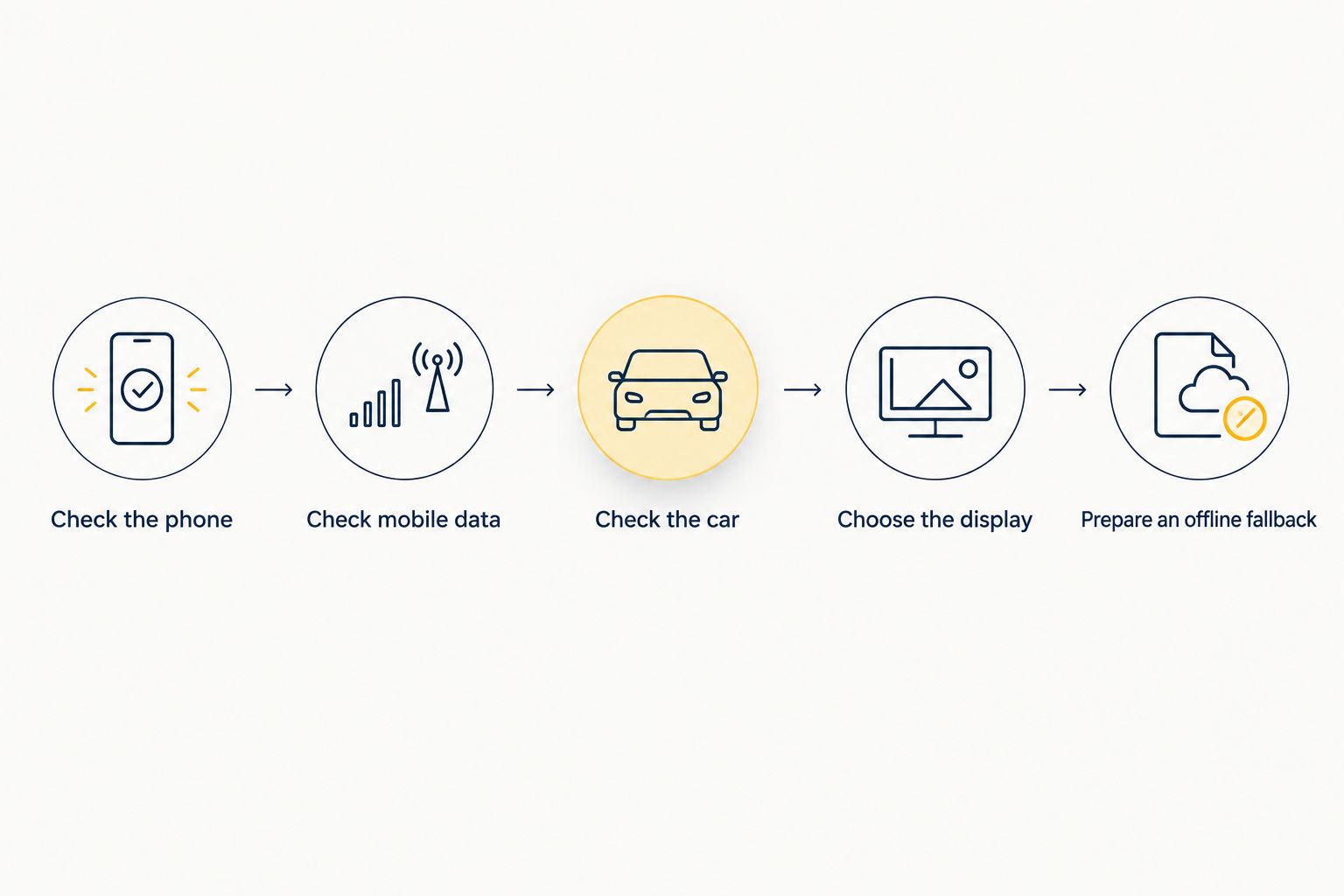
- Check the phone. Confirm it supports eSIM and can use the travel eSIM in your destination. Install and activate it according to the provider’s instructions before depending on mobile maps.
- Check mobile data. Select the intended eSIM for mobile data on your phone. Open a map app and confirm that an online search or route loads while Wi-Fi is off.
- Check the car connection. Look for Apple CarPlay or Android Auto in the rental vehicle. Follow the car’s on-screen pairing instructions; the connection method varies by vehicle.
- Choose the display. If phone projection works, use the map app on the car screen. Otherwise, use the phone in a secure mount where local rules permit it.
- Prepare an offline fallback. Download relevant map areas in your chosen app before driving into places where mobile coverage is uncertain. Check that your destination and route are available offline.
The test in step two matters more than a signal icon alone. It checks that the phone can actually fetch map information on the selected data line. Complete that check while parked, before you need a turn-by-turn route.
If the car does not support phone projection, the eSIM can still serve the phone’s maps. The dashboard connection is convenient, not a requirement for phone navigation. Keep the distinction clear: the phone handles its own app and data, while the car’s built-in GPS remains a separate system.
Can a phone hotspot give the car’s built-in GPS data?
Only if the vehicle’s navigation system can connect to that hotspot and use it for the feature you need. A car advertising a Wi-Fi hotspot may be offering internet to your devices rather than accepting internet from your phone. Those are different functions.
Check the vehicle’s connection settings while parked. If it offers a way to join an external Wi-Fi network, you can check whether your phone’s hotspot is available and whether your travel eSIM permits hotspot use. Then test the specific navigation feature you need. A successful Wi-Fi connection alone does not establish that built-in maps or live traffic use that connection.
Do not make the hotspot your only plan for a 2026 trip. Phone projection or a mounted phone gives you a clearer route to using phone data for maps. Offline maps give you a fallback when online routing is unavailable. Each option has a trade-off: projection needs a compatible car, a mount uses the smaller phone screen, and offline maps lack some online features.
Why does the answer vary between rental cars?
- Navigation source: Built-in navigation runs in the vehicle; Apple CarPlay and Android Auto display compatible phone apps on the car screen.
- Phone compatibility: Your phone must support the eSIM you plan to use and the car connection you choose.
- Vehicle support: A dashboard screen alone does not confirm that Apple CarPlay, Android Auto, or external Wi-Fi connections are available.
- Rental permissions: Access to vehicle settings and connected features depends on what the rental company permits.
- Map app features: Downloaded maps can reduce reliance on mobile data, but offline search, routing, and traffic features differ from online use.
- Mobile coverage: Online map features on the phone need a working data connection where you drive. Satellite positioning and cellular coverage are separate.
Check the actual vehicle at pickup rather than relying on the presence of a screen. In 2026, the decisive test is simple: connect your phone, open your map app, and confirm that the route appears where you expect it. If that fails, use the phone display rather than assuming the car’s built-in navigation will take over your eSIM.
Does Apple CarPlay or Android Auto use my travel eSIM?
Yes, when the map app on your phone needs mobile data and your travel eSIM is selected for that data. Apple CarPlay or Android Auto displays the phone app on a compatible car screen; it does not move the eSIM into the car. Downloaded map content can reduce the need for mobile data during the drive.
Will the rental car’s GPS work without my travel eSIM?
Yes, GPS positioning does not require your phone’s travel eSIM. The car’s built-in navigation still needs suitable map data to give directions, and connected features depend on the vehicle’s own setup. Check the system before leaving the rental lot if you plan to rely on it.
What if the rental car has no Apple CarPlay or Android Auto?
Use your phone’s map app with a secure mount where permitted. A-sim travel eSIMs are for phone connectivity, so the absence of dashboard projection does not stop you from using phone-based maps. Download an offline map as a fallback for gaps in coverage.
FAQ
Can I install a travel eSIM directly in a rental car’s GPS?
Usually not. A travel eSIM installed on your phone stays on your phone; vehicle eSIM settings, if available, are controlled separately.
Does a rental car’s built-in GPS need mobile data?
GPS positioning does not need mobile data. Online features such as live traffic or destination search can need a connection, depending on the vehicle’s system.
Can I show phone maps on a rental car’s screen in 2026?
Yes, if the rental car and your phone support Apple CarPlay or Android Auto. Connect the phone and open a compatible map app before you start driving.
Does Apple CarPlay transfer my eSIM to the car?
No. Apple CarPlay displays compatible phone apps on the car screen; the eSIM remains installed on the phone.
Can I use my phone’s hotspot for built-in car navigation?
Only if the vehicle can join your hotspot and its navigation system uses that connection. Confirm hotspot use is allowed on your eSIM, then test the feature in the car.
Will offline maps work if my travel eSIM loses coverage?
Downloaded map content can remain available without mobile data. Offline routing and search depend on the map app, and live traffic needs an online connection.
Is A-sim for my phone or the rental car’s GPS?
A-sim offers travel eSIMs that integrate with iPhone or Android phones. Use one for phone-based maps; do not assume it can activate the rental car’s built-in navigation.
One last thing
A working map on the dashboard does not prove your eSIM is powering the car. In 2026, first identify whether you are looking at a phone app or built-in navigation. That check tells you whether to troubleshoot the phone’s data connection, the phone-to-car connection, or the vehicle’s own system.