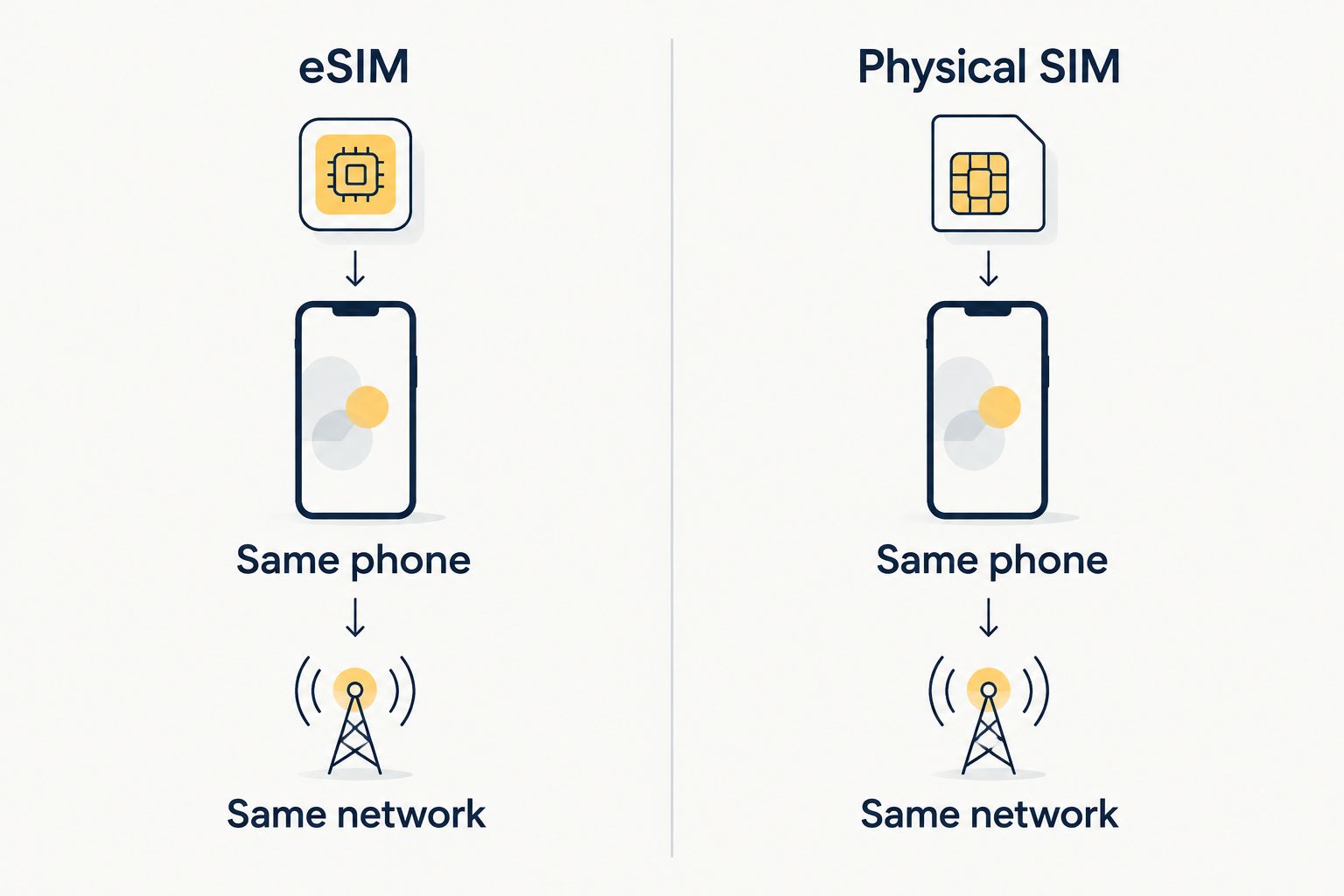
Yes. In 2026, an eSIM can have the same cellular signal as a physical SIM when both use the same phone, carrier network and network access. The SIM format does not strengthen or weaken the phone’s antenna; differences you notice usually come from coverage, the plan or phone settings.
- Does esim signal work as well as a physical sim? Yes, on the same phone and network, the SIM format does not change reception.
- A travel eSIM can show different coverage when it connects to a different carrier than your physical SIM.
- A-Sim suits travelers who want an app-managed eSIM, not a promise of stronger signal.
- Compare the network, phone compatibility and data settings before blaming the eSIM.
Why this matters
A familiar signal icon can make the wrong cause look obvious. You switch from your home SIM to a travel eSIM, see fewer bars and assume the embedded SIM receives a weaker signal. In 2026, the useful question is which network each line is using and whether your phone is allowed to use data on it.
An eSIM does not need Wi-Fi to receive cellular service after it is set up and connected to a network. Wi-Fi can matter during installation, but it is not the source of the cellular signal. If that distinction is causing trouble on a trip, see whether an eSIM works without Wi-Fi.
Does eSIM signal work as well as a physical SIM?
Yes, if you hold the phone, location and network access constant. An eSIM and a physical SIM both identify your subscription to a mobile network. The phone’s cellular radio and antenna handle the connection. Changing how the subscription is stored does not give the phone a different antenna.
| What you compare | eSIM | Physical SIM |
|---|---|---|
| Signal on the same phone and network | No inherent reception disadvantage | No inherent reception advantage |
| Changing service | Install or select a digital line on a compatible phone | Insert or swap a card |
| Travel convenience | No card to carry or remove | Can be moved physically between compatible phones |
| Main limitation | Requires eSIM support and an eligible phone | Requires a compatible SIM slot and card |
The comparison has an important condition: same network. A home physical SIM and a travel eSIM often represent different subscriptions. If they connect to different carriers, their coverage can differ at the exact same spot. That is a network comparison, not a test of plastic against software.
The same caution applies to speed. Strong signal does not guarantee fast data, and fast data is not proof of stronger reception. Network capacity, the connection your phone establishes and your plan’s terms all affect what you experience. Treat the signal indicator as a clue, then check whether pages load and calls or messages work on the line intended for them.
How to make a fair comparison
If your phone supports both formats, compare service only after checking that the lines use the same carrier network. Stand in the same place, leave the phone in the same position and check the network name in your cellular settings. Otherwise, a change in location or carrier can explain the result before the SIM format enters the picture.
A second signal icon is not a controlled test. Phones can display bars differently across lines and connection types, and the icons do not tell you which part of the connection is limiting data use. If one line works and the other does not, first confirm that the intended line is selected for cellular data and that its service is active.
Why eSIM and physical SIM results vary
When reception or data performance changes after a SIM switch, check these factors in order. Each can change your experience without changing the basic capability of the eSIM.
- Carrier coverage. Two lines on different networks can reach different cell sites. A travel eSIM is only as useful as the network it can connect to where you are.
- Phone compatibility. Your phone must support eSIM and the network technology used at your destination. An eSIM cannot add radio capabilities that the device lacks.
- Cellular-data selection. A phone with more than one line can show service on one while trying to use data on another. Check which line is assigned to cellular data.
- Roaming settings. A travel line that depends on roaming needs the relevant setting enabled on that line. Check its setup instructions rather than changing settings across every line.
- Your surroundings. Moving indoors, underground or behind dense building materials can affect reception for either SIM format. Compare from the same location.
- Network load and plan conditions. A usable signal can still produce slow data. Check whether the issue is connection quality, network congestion or a condition of the plan before calling it weak reception.
These checks matter most when you first arrive. In 2026, travelers can carry a home physical SIM and a travel eSIM on a compatible phone, but seeing both lines listed does not mean the travel line is selected for data. Start with that setting before reinstalling anything.
What should you check if your travel eSIM has fewer bars?
First, check the carrier network and the line selected for cellular data. If your physical SIM and eSIM connect to different networks, fewer bars do not establish that eSIM reception is worse. Compare whether the eSIM can actually load a page in your current location.
Next, confirm that the travel line is switched on. Check the eSIM’s setup instructions for roaming requirements, then briefly toggle airplane mode to prompt a fresh network connection. If service still fails, restart the phone and check that the destination is covered by the travel plan you selected. Do not delete an installed eSIM as a first troubleshooting step; restoring it can require another setup process.
If the phone reports no service, separate that from slow data. No service points you toward network access, coverage or activation. Slow data with a visible connection calls for a check of network conditions and plan terms. Those are different problems, and changing SIM format alone does not diagnose either one.
Can you use an eSIM and a physical SIM together?
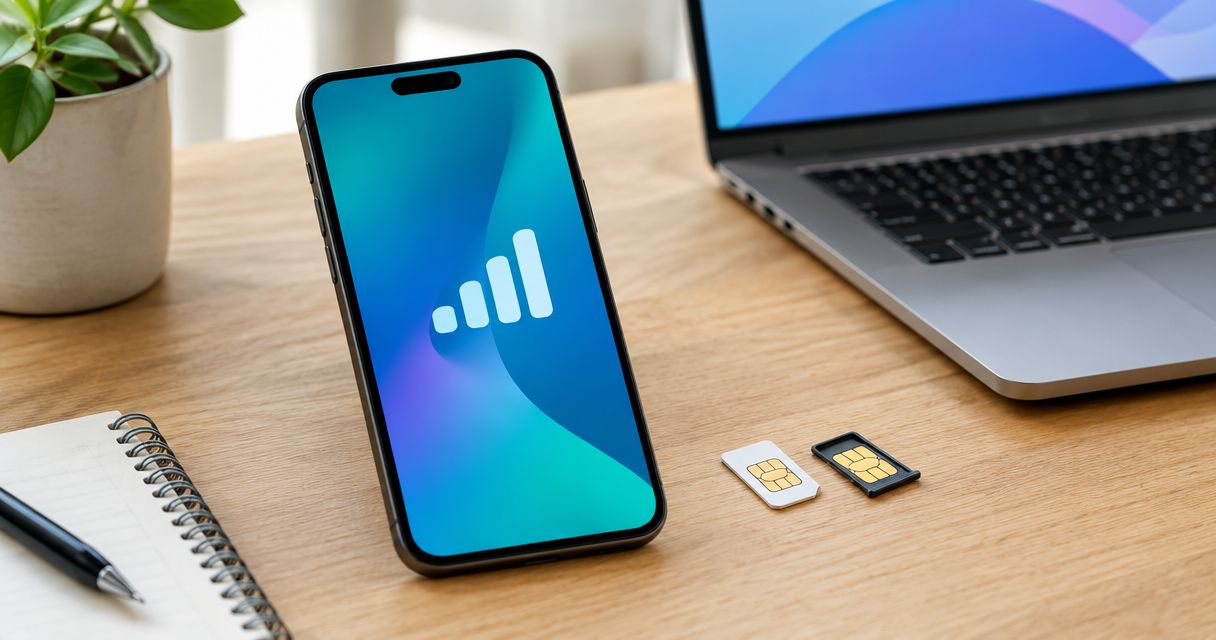
Yes, on a phone that supports that combination. You can keep separate lines on the device and choose which one handles cellular data. Check your phone’s model and carrier restrictions before relying on a dual-line setup abroad.
This setup is useful when you want to retain your home line while selecting a travel line for data. It also creates an easy mistake: your phone can display service for both lines while mobile data remains assigned to the one you did not intend to use. Before departure and after arrival, confirm the data line, voice line and roaming settings separately.
Keeping a home number active does not by itself tell you how calls or messages will be charged or routed. Those details depend on your home service and the travel plan. Check both before you use the home line abroad. In 2026, the simplest signal test is still to identify which line is connected to which network, rather than compare the bars beside two labels.
When does a travel eSIM make sense?
Choose a travel eSIM when you have a compatible phone and want to arrange mobile data without handling another physical card. The benefit is how you set up and manage the line, not an automatic increase in reception. If coverage at your destination is your priority, compare the network access available to each plan before choosing a SIM format.
A-Sim offers travel eSIMs for single countries, regions and global travel through its app or website. You can manage usage and top up through the app. A-Sim suits international travelers who want an app-managed travel eSIM; it is not a shortcut to stronger signal than a physical SIM. Check the relevant destination and phone details on A-Sim before you install a line.
There is a practical downside to the digital format: a phone that does not support eSIM cannot use it. A physical SIM also has a straightforward advantage when you need to move a card between compatible phones. Choose for your device and trip first; judge reception by the network you will actually use.
FAQ
Does an eSIM get weaker signal than a physical SIM?
No. On the same phone and network, the SIM format does not change the phone’s antenna or inherently weaken reception. Different carrier coverage can make two subscriptions perform differently.
Is eSIM data slower than physical SIM data?
Not because it is an eSIM. Speed depends on factors including network conditions, the phone’s connection and plan terms; a comparison between different carriers does not isolate the SIM format.
Why does my eSIM show fewer bars than my physical SIM?
The lines can be connected to different networks, so their signal indicators are not a direct test of SIM format. Check each line’s carrier and whether the eSIM can use data at your location.
Will a travel eSIM work without Wi-Fi?
Yes, an installed and active travel eSIM uses a cellular network for mobile service. You can still need an internet connection for parts of the initial setup.
Can I keep my physical SIM active while using travel eSIM data?
Yes, if your phone supports using those lines together. Select the travel eSIM as your cellular-data line and check your home carrier’s terms before using the home line abroad.
Does switching to an eSIM improve coverage abroad?
Not by itself. Coverage changes when the eSIM connects you to a network with different service at your destination; the digital SIM format is not the cause of stronger reception.
What should I check first when an eSIM has no signal?
Check that the eSIM line is enabled, your destination is covered and your phone can connect to its network. Then review the line’s setup instructions and relevant roaming settings.
One last thing
In 2026, a fair signal comparison needs the same phone, place and network. If any of those changes, you are comparing connections, not SIM formats. Check the selected data line before you replace a plan that may already have service.