
Remote teams’ travel eSIM connectivity is mobile data delivered through a downloadable SIM profile, with the aim of keeping colleagues connected during international offsites. Unlike a solo trip, your team needs a shared setup checklist, individual device checks and a fallback for anyone who cannot connect.
- For an esim for remote teams abroad, match coverage to each itinerary and check every traveller’s device.
- A-sim suits teams seeking individual travel eSIMs with app-based usage checks and top-ups.
- Use venue Wi-Fi for planned work and a verified mobile connection for arrivals and backup.
- Test hotspot access, work sign-in and home-number settings before departure.
Why travel eSIM connectivity matters for remote teams
An international offsite starts before everyone reaches the venue. Colleagues need maps, transport details and a working contact channel while arriving on different flights. A connection that works only inside the hotel leaves those arrival tasks uncovered.
Your team also brings different phones, home carriers and employer restrictions. For a 2026 offsite, start with using an eSIM on a work-issued phone, rather than assuming everyone can install a profile. Employer approval and device compatibility are separate checks.
Give each traveller a tested connection, not just purchase instructions. A plan selected by the organiser still needs to work on the traveller’s actual device, with the company’s required apps and sign-in methods.
The practical benefit is independence: colleagues can contact the organiser without staying beside the person carrying a shared hotspot. The limitation is equally clear. An eSIM still depends on compatible hardware, plan terms and mobile coverage; it does not replace venue connectivity planning.
Set up an eSIM for remote teams abroad
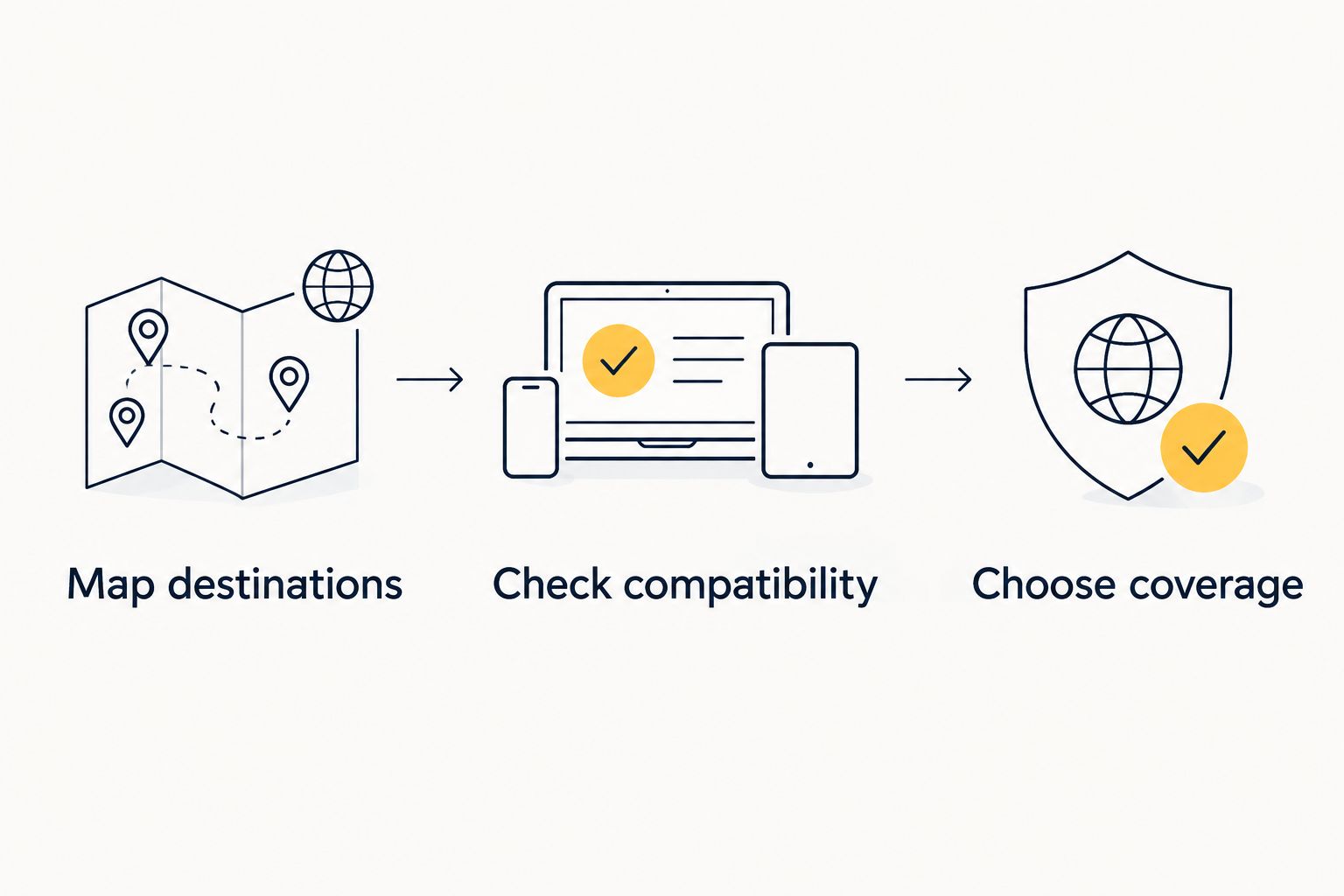
Use this sequence for your 2026 travel checklist: map destinations, check compatibility, choose coverage, test connectivity, control usage, protect access and assign ownership. Keep the checklist in a shared document, but keep installation credentials and account recovery details private.
Map destinations
Start with a simple itinerary spreadsheet. Record the countries where each colleague needs mobile data, including stopovers where they will leave the airport. Do not choose coverage from the offsite city alone.
Separate the shared itinerary from personal extensions. Someone visiting another country after the event has different coverage needs from someone flying straight home. Treat those differences as individual requirements, not reasons to expand every colleague’s plan.
Include the last travel day when reviewing validity. A working connection on the outbound journey does not establish that the plan will remain active for the return journey.
- List each traveller’s destination countries and travel dates.
- Mark transit stops where mobile data is needed.
- Separate work travel from personal extensions.
- Save venue addresses and arrival instructions offline.
Check compatibility
Ask each traveller to check their exact phone model, eSIM support and carrier-lock status through device settings or official manufacturer and carrier guidance. A phone family name alone is not enough because regional versions differ.
For company-managed devices, get IT approval before buying. Management restrictions can prevent installation or changes to mobile settings, even when the hardware supports eSIMs. Avoid asking colleagues to remove management controls or work around company policy.
Use a recommended deadline of 48 hours before departure for compatibility confirmation. That is a planning buffer, not an activation promise. Anyone who cannot use an eSIM needs an approved alternative before leaving.
- Confirm eSIM support for the exact device variant.
- Confirm the phone permits another carrier’s service.
- Ask IT about installation and hotspot restrictions.
- Identify an alternative for incompatible devices.
Choose coverage
Compare destinations, validity rules, data allowances and tethering terms manually before selecting a plan. A single-country option fits a single-country itinerary; regional or global coverage deserves consideration when the route crosses borders. Check the actual country list rather than relying on the coverage label.
A-sim offers single-country, regional and global travel eSIMs through its app or website, with usage management and top-ups through the app. A-sim travel eSIMs suit teams that want travellers to manage their own usage and top-ups.
That individual workflow still needs an organiser’s expense process. Confirm the selected plan’s terms and each traveller’s eligibility; do not treat app access as evidence of shared company billing or central team controls.
- Match coverage to every required country.
- Check when validity begins and ends.
- Verify hotspot terms before planning laptop backup.
- Record the approved selection and reimbursement process.
The first three checks establish whether the proposed connection fits the trip. Complete them before sending installation instructions: itinerary first, device eligibility second, coverage selection third.
Test connectivity
Send the provider’s installation instructions while colleagues still have a dependable internet connection. Read the activation rules first: installing a profile and starting plan validity are not interchangeable across all providers and plans.
Schedule a 10-minute setup check before departure. Use that time to confirm installation, line labels, account access and the intended mobile-data settings. If destination service cannot be tested at home, distinguish a completed installation from a confirmed connection abroad.
Test laptop tethering only where the selected service is available and the plan permits it. Your checklist should record what was actually tested, rather than marking every connection feature complete after installation.
- Label the home line and travel line clearly.
- Follow the plan’s instructions for data roaming.
- Disable automatic data switching where appropriate.
- Confirm destination connectivity after arrival.
Control usage
Start with the phone’s own mobile-data counters and app settings. Review which activities belong on mobile data: messaging and maps serve a different purpose from cloud backups, operating-system updates and large file uploads.
For your 2026 offsite, decide what mobile data must support before choosing an allowance. Do not assign the same allowance solely because everyone attends the same event. A facilitator taking calls away from the venue has different requirements from a colleague using mobile data only during transfers.
A-sim’s app lets travellers check usage and top up. That helps individual travellers manage their connection, but your team still needs an approval rule for additional purchases.
- Pause automatic backups and large downloads on mobile data.
- Download maps and essential documents before travelling.
- Check the remaining allowance after hotspot sessions.
- Agree who approves additional data purchases.
Protect access
Treat mobile connectivity and work-account security as separate tasks. A travel eSIM supplies a route to the internet; it does not replace device encryption, company access controls or an approved VPN where your employer requires one.
Test authentication before travel. A data connection does not by itself provide a working phone number for SMS verification, and disabling a home line can interrupt an account-recovery method. Confirm the arrangement with IT rather than discovering the dependency at the airport.
Use approved recovery options and store them securely. Do not collect colleagues’ passwords, verification codes or eSIM installation credentials in the shared offsite spreadsheet.
- Test the company’s required sign-in process.
- Confirm how home-number verification will work abroad.
- Prepare approved backup authentication methods.
- Keep sensitive account details out of group chats.
Assign ownership
Give your 2026 offsite 1 named connectivity owner. This person maintains the checklist and coordinates escalation; each traveller remains responsible for their own device and account credentials.
Write a short arrival procedure that works offline. It should explain how to select the travel line, check the provider’s instructions and reach the organiser through an alternative channel. Include a meeting point so a failed connection does not become a failed arrival.
Finish with a simple handover. The organiser needs to know who is ready, who needs help and who is using an alternative—not everyone’s account details or a screenshot of every purchase.
- Record each traveller’s readiness and unresolved issue.
- Share provider support instructions before departure.
- Name an IT contact for work-access problems.
- Set an offline meeting point for arrivals.
Compare connectivity options for an international offsite
Choose the connection around the task, not around a single team-wide default. Individual mobile access supports independent arrivals; venue Wi-Fi supports the shared workspace. Neither removes the need to check the other.
The options below have different strengths. Confirm plan terms, coverage and device requirements before making a selection for a 2026 trip.
| Option | Best for | Main advantage | Key limitation |
|---|---|---|---|
| Individual travel eSIM | Independent arrivals and mobile backup | Each compatible phone connects without a shared device | Requires an eligible phone and suitable destination coverage |
| Home-carrier roaming | Travellers wanting to retain their existing carrier arrangement | Uses the existing mobile account | Overseas allowances and terms depend on the home plan |
| Local physical SIM | Unlocked phones without eSIM support | Provides an alternative to a downloadable profile | Requires obtaining and installing a physical SIM |
| Shared travel router | Colleagues working together in one location | Gives a group a shared Wi-Fi connection | Travellers lose access when separated from the router |
| Venue Wi-Fi | Planned work sessions at the offsite venue | Connects laptops without phone tethering | Does not cover transfers or travel away from the venue |
For eSIM-eligible travellers, combine individual mobile access with verified venue Wi-Fi rather than expecting phone hotspots to carry the entire offsite. Ask the venue about connectivity in the actual meeting space, not just the existence of guest Wi-Fi.
For travellers using A-sim, keep the same checks: destination coverage, device eligibility, validity and the selected plan’s terms. App-based management is useful, but it does not establish how well a connection will work inside a particular meeting room.
Common mistakes remote teams make
Treating installation as proof of readiness
An installed profile is not proof of working destination data. Track installation and arrival connectivity separately, then ask travellers to confirm they can open the team’s contact channel after landing. This makes an unresolved connection visible before someone leaves the airport alone.
Making one colleague the team’s internet connection
A shared hotspot ties connectivity to one person’s location, battery and device. Use shared access for an agreed task, not as the only arrival plan for colleagues taking different flights. Give anyone without independent data an explicit alternative.
Ignoring laptop traffic
A laptop connected to a phone hotspot can run background sync and downloads. Check those settings before tethering, and move large transfers to suitable venue connectivity. A mobile allowance intended for messaging should not silently become the team’s file-transfer connection.
Disabling the home line without checking authentication
Keeping a home number, receiving verification messages and selecting a travel data line are different settings. Test the required arrangement and review home-carrier terms before departure. Do not issue a blanket instruction to turn every home line off.
Assuming consumer accounts provide team administration
Individual purchasing and app top-ups do not establish shared billing, pooled data or administrator permissions. If central control is a requirement, verify it explicitly before selecting a service. Otherwise, use a clear expense and approval process instead of promising controls you have not confirmed.
FAQ
What is the best eSIM setup for remote teams abroad?
The best setup matches coverage to each traveller’s itinerary and confirms compatibility on each device. Use individual mobile connections for arrivals and backup, alongside verified venue Wi-Fi for planned work.
Can everyone on our team use the same travel eSIM?
Do not assume one eSIM profile can serve multiple colleagues’ phones. Confirm the provider’s installation rules and arrange an appropriate connection for each traveller who needs independent access.
Can our team use travel eSIM data for laptop hotspots?
Use laptop hotspots only when the selected plan permits tethering and the phone supports it. Test the setup and pause large background transfers before relying on the connection for work.
Should we install our travel eSIMs before leaving?
Install before departure when the provider’s instructions and validity rules support doing so. Installation timing and the start of plan validity are separate checks, so read the selected plan’s terms first.
Can a travel eSIM replace our company VPN?
No, a travel eSIM does not replace a company VPN or other required security controls. It provides mobile connectivity; follow your employer’s rules for accessing work systems.
What should we do if a colleague’s phone cannot use an eSIM?
Arrange an approved alternative before departure, such as suitable home-carrier roaming or a compatible physical SIM. Check employer restrictions and carrier-lock status before selecting that alternative.
Can travellers manage their own A-sim data during an offsite?
Yes, A-sim supports usage management and top-ups through its app. Give travellers a clear approval process for additional purchases, and confirm the terms of the plan they select.
One last thing
Test the arrival message, not just the signal indicator. Ask each traveller to open the agreed contact channel and send a check-in once connected at the destination. That small task checks the outcome your offsite actually needs: a colleague who can reach the team.
Put the venue address, meeting point and fallback instructions in an offline note as well. A connectivity plan should still help when the connection fails.